Profile: journalist or activist
A base profile for elevated targeted threats. You work with sensitive sources, activism or politically sensitive information — a stricter model is needed.
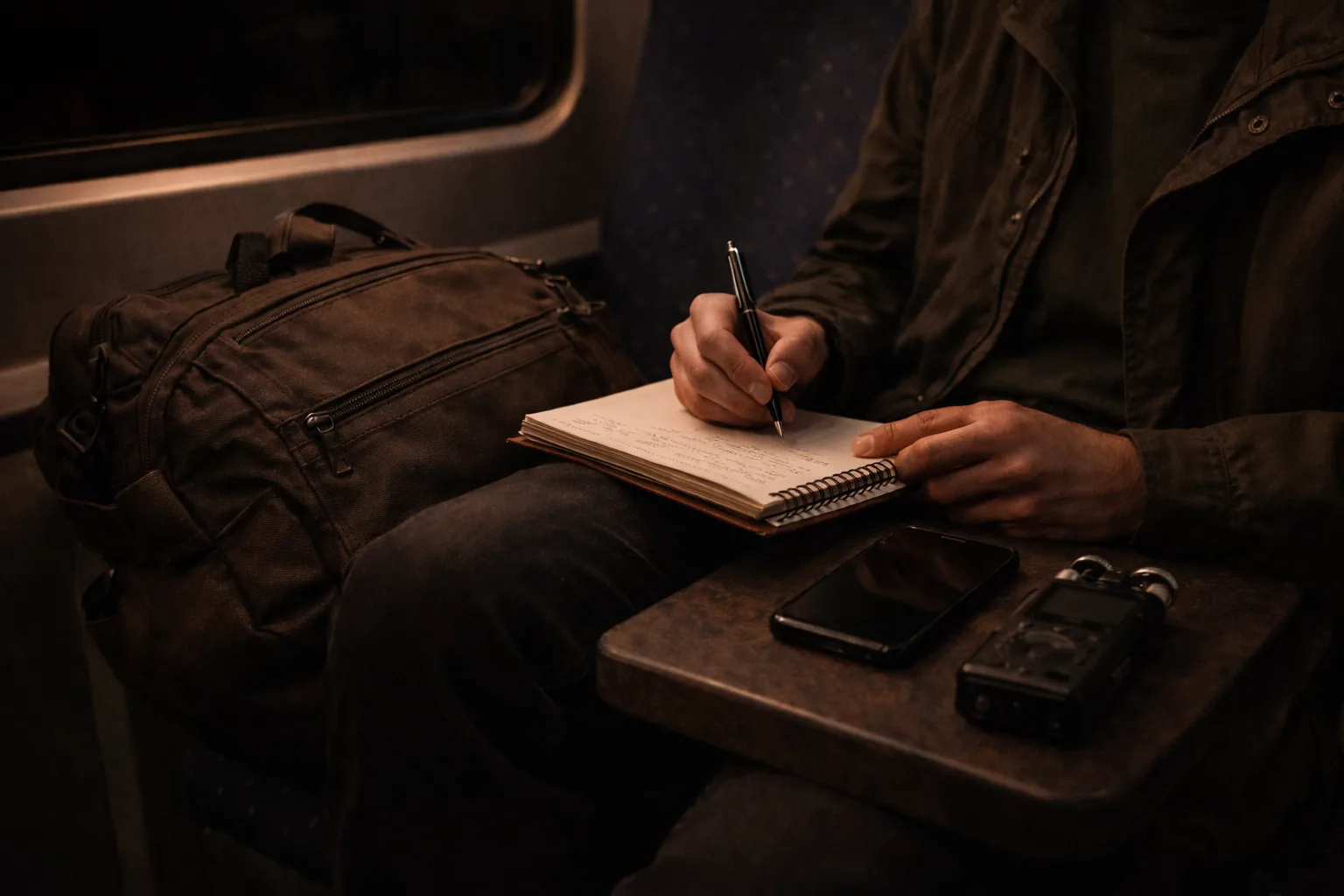
Profile: journalist or activist
This is a serious profile. The threats are more real, the consequences of a mistake are greater, and the adversary may be actively trying to identify you, intimidate you, or pursue you legally.
This article is intended for: investigative journalists, (political) activists, whistleblowers, people in countries with limited press freedom, and anyone who regularly works with sensitive sources or politically sensitive information.
Who this profile is for
This profile is for readers whose work or public role creates a meaningful chance of targeted pressure, source exposure, harassment, or device seizure.
It is a fit when you need:
- better separation between public life, private life, and sensitive work
- communication choices based on adversaries rather than convenience
- stronger routines around source protection, anonymity, and device compromise
Disclaimer: This article provides a starting point, not a guarantee. Operational security is complex and context-dependent. For critical situations: seek professional advice.
Use this as your base profile when your situation goes beyond general privacy concerns and you need to account for targeted adversaries.
Do not use this profile as inspiration for “maximum privacy” out of curiosity. This is for situations where the consequences of a mistake are genuinely heavier than the extra friction.
Threat analysis: who wants what from you?
Before doing anything: who is your adversary?
Commercial data collectors — ad networks, data brokers. Goal: profiling for commercial purposes. Approach: same as a normal user, but stricter.
Criminals — account takeovers, extortion, identity theft. Approach: strong authentication, no password reuse.
Employers or clients — monitoring of work traffic, equipment. Approach: separate work from activism.
Opponents in a conflict — doxing, harassment, account hacking. Approach: minimal digital footprint, strong account security, no personal information online.
Government agencies — legal surveillance, infiltration, device seizure. Approach: the full package below.
You don’t need to defend against all adversaries at once. Be honest about who your real risk is.
What you gain, and what it costs
If you apply this profile seriously, you typically gain:
- less chance that source contact, sensitive communication or movements are trivially traceable
- better separation between public identity, personal life and sensitive work
- less damage if an account, device or channel does get compromised
- more control over what adversaries can extract from metadata and device access
But it costs something:
- more friction, more discipline, and sometimes multiple devices or identities
- less convenience in communication and daily browsing
- more risk that a wrong step stands out if you stay halfway between normal and high-risk patterns
For this profile that is usually a reasonable trade. Here, convenience is often exactly what makes you vulnerable.
Core principles
Compartmentalisation Separation between identities, devices, and communication channels. Your activist life must not cross your journalist life. Your anonymous account must not be traceable back to your real name.
Minimal footprint Share as little information as possible, including unintentionally. Metadata is just as dangerous as content.
Need to know Share information about sources, activities, and plans only with those who genuinely need it.
Assume your devices can be compromised Plan as if someone will get your phone one day. What’s on it? What can they see?
Behaviour checklist
Communication
- Signal setup guide for all sensitive communication — no WhatsApp, no Telegram for sensitive matters
- Configure Signal properly: disappearing messages at 24 hours for active source contact, hide phone number, verify safety numbers out-of-band
- Never send sensitive information over regular email — use PGP or SecureDrop
Choose deliberately per situation:
- Signal setup guide for most sensitive but routine source or team contact
- SimpleX Chat, Session or Briar only when phone-numberless contact, onion routing, or offline/P2P is genuinely part of your risk
- SecureDrop for anonymous document submission — not as a general chat replacement
Device security
- GrapheneOS on your primary phone (not an option? iOS with maximum hardening is a fallback — see iPhone privacy settings)
- Auto-reboot set to 18 hours (the GrapheneOS default)
- USB restricted to charging only
- Know and use lockdown mode (power button → Lockdown)
- Separate devices for sensitive work where possible
Anonymity
- Tor Browser for sensitive browsing sessions
- VPN comparison for daily use — Mullvad with DAITA is the typical route; see the Mullvad review for product details
- Separate devices and accounts for anonymous activities
- Never use incognito as a substitute for anonymity — incognito hides nothing from your provider
Tor Browser is not an “optional better browser” here — it is a separate tool for specific sessions. For daily use on your main system, the right order is usually: harden the device, separate accounts, then decide when Tor or an extra VPN layer is actually needed.
Source protection
- SecureDrop for anonymous document submission (if you’re a journalist)
- NEVER document the identity of sources digitally
- Strip metadata from documents before publication (ExifTool, MAT2)
- Never share the exact time or location of a meeting digitally
Preventing device seizure
- Full-disk encryption — goes without saying
- Strong passphrase, no biometrics as primary unlock
- Know how to quickly enter lockdown mode
- Consider a duress PIN — a code that wipes the device (GrapheneOS feature)
If you think physical safety or direct violence is likely, that is a signal to seek specialist advice and operational routines — not just to add more tools.
Tools
| Purpose | Tool | Note |
|---|---|---|
| Messaging | Signal setup guide | Most practical basis for much sensitive contact |
| Messaging without phone number | SimpleX Chat | No account, no identifier |
| Messaging for high-risk source contact | Briar | Peer-to-peer via Tor, works without internet |
| Anonymous decentralised messaging | Session | No phone number, onion routing |
| Anonymous browsing | Which browser should you choose? | Use Tor Browser for specific sessions, not as the default browser |
| VPN | VPN comparison | No account, payable with cash or Monero |
| Email encryption | PGP practical guide | Thunderbird is supporting tooling, not the main route |
| Anonymous document submission | SecureDrop | For journalists |
| Metadata removal | ExifTool / MAT2 | Required for source protection |
| Secure phone | GrapheneOS on Pixel | Strongest standard choice for this profile |
| File encryption | VeraCrypt: encrypted storage in practice | When and how — review for product details |
This table is not a mandatory total stack. Choose tools by task and adversary — not because every high-risk tool is automatically needed at the same time.
Specific to the Netherlands
Source protection law Journalists in the Netherlands have legal source protection. But that protects your source legally — not technically. A court can demand data. Technical protection (encryption, anonymity) is your responsibility.
GDPR as protection You have the right to know whether government agencies are processing data about you. You can exercise that right, though the AIVD (intelligence service) is not required to disclose everything.
Bits of FreedomBits of Freedom is the Dutch digital civil rights organisation. They bring legal actions and lobby on digital rights. They are not a personal legal helpdesk, but they monitor and challenge surveillance legislation.
What hardware adds
At this threat level, hardware genuinely adds value:
Faraday phone pouch — for sensitive in-person meetings. No signal = no location tracking via phone. Also leave the phone at home when going to a sensitive location.
Hardware security key (YubiKey) — for accounts you absolutely cannot afford to lose. Phishing-resistant by design.
Privacy screen — if you work with sensitive information in public.
Separate “burner” phone — for activities you want completely separated from your real identity. Buy with cash, activate over wifi without your real SIM.
Further learning
- EFF’s Surveillance Self-Defense — comprehensive guide, multiple languages
- Security in a Box — tools and tactics for activists
- Access Now Digital Security Helpline — free help for journalists and activists
Next step
Start here
- GrapheneOS hardening guide — if you are already on GrapheneOS or are taking that step now
- PGP: encrypted communication — for email contact where chat isn’t suitable
- SimpleX Chat guide — messaging without a phone number or account
- SecureDrop guide — anonymously receiving documents from sources
- Metadata removal from documents — required for source protection
Also relevant
- iPhone privacy settings — if you’re not (yet) using GrapheneOS
- Android privacy without a custom ROM — hardening for regular Android
- GrapheneOS profiles — separating identities and workflows on device
- VPN comparison — only relevant once device and account basics are solid
- Which network setup fits your profile? — Protectli + OPNsense for advanced users
- Session guide — decentralised, onion routing
- Briar guide — peer-to-peer over Tor, works without internet
- Tor on GrapheneOS — Orbot and anonymous browsing
Reviews and further reading
- Signal setup guide — settings, Molly-FOSS, safety numbers
- Signal and Molly review — background and profile fit
- Thunderbird review — email with PGP
- YubiKey vs Nitrokey review — hardware authentication