GL.iNet Mudi V2 (GL-E750V2) review
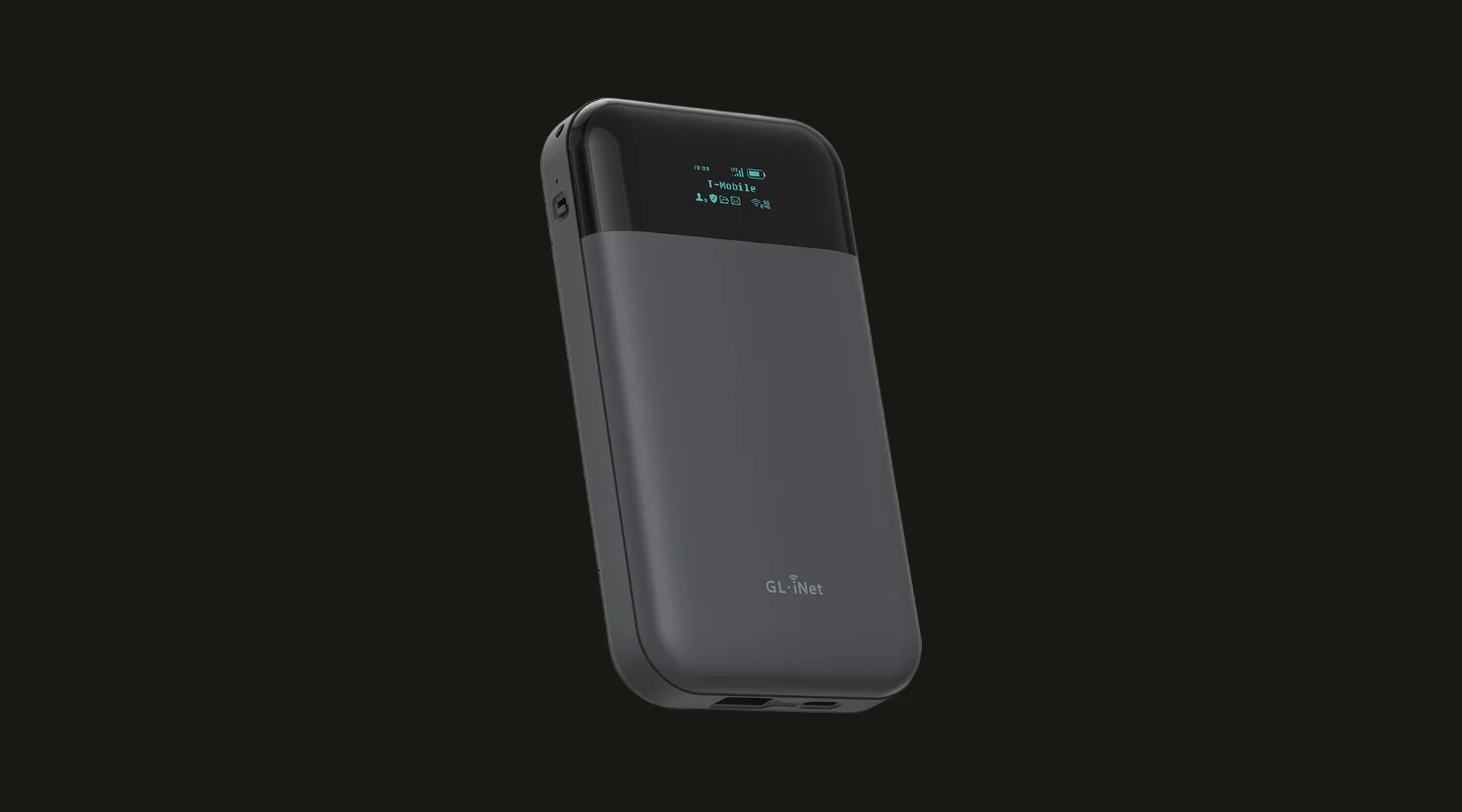
The Mudi V2 is the direct predecessor to the Mudi 7: a portable router with its own battery, running Cat 6 LTE instead of 5G. What makes it interesting: it's the only device in GL.iNet's Mudi line that a respected, independent security research organization has built and maintains its own hardening package for.
GL.iNet Mudi V2 (GL-E750V2) review
The Mudi V2 is the direct predecessor to the Mudi 7: a portable router with its own battery, running Cat 6 LTE instead of 5G. What makes it interesting: it’s the only device in GL.iNet’s Mudi line that a respected, independent security research organization has built and maintains its own hardening package for.
Who is this for? Travelers who don’t need 5G/Wi-Fi 7 speed and value a device with a real, independent security track record more than the newest specs. Also relevant as a follow-up to our GL.iNet Mudi 7 review — the Mudi V2 is older and slower, but it’s the model a respected security research organization has actually looked at.
Specifications
| Spec | Value |
|---|---|
| Modem | Quectel EM060K-GL, LTE Cat 6, up to 300 Mbps down |
| Wi-Fi | Dual-band, 300 Mbps (2.4GHz) + 433 Mbps (5GHz) — Wi-Fi 5 class |
| Battery | 7,000mAh, roughly 8 hours |
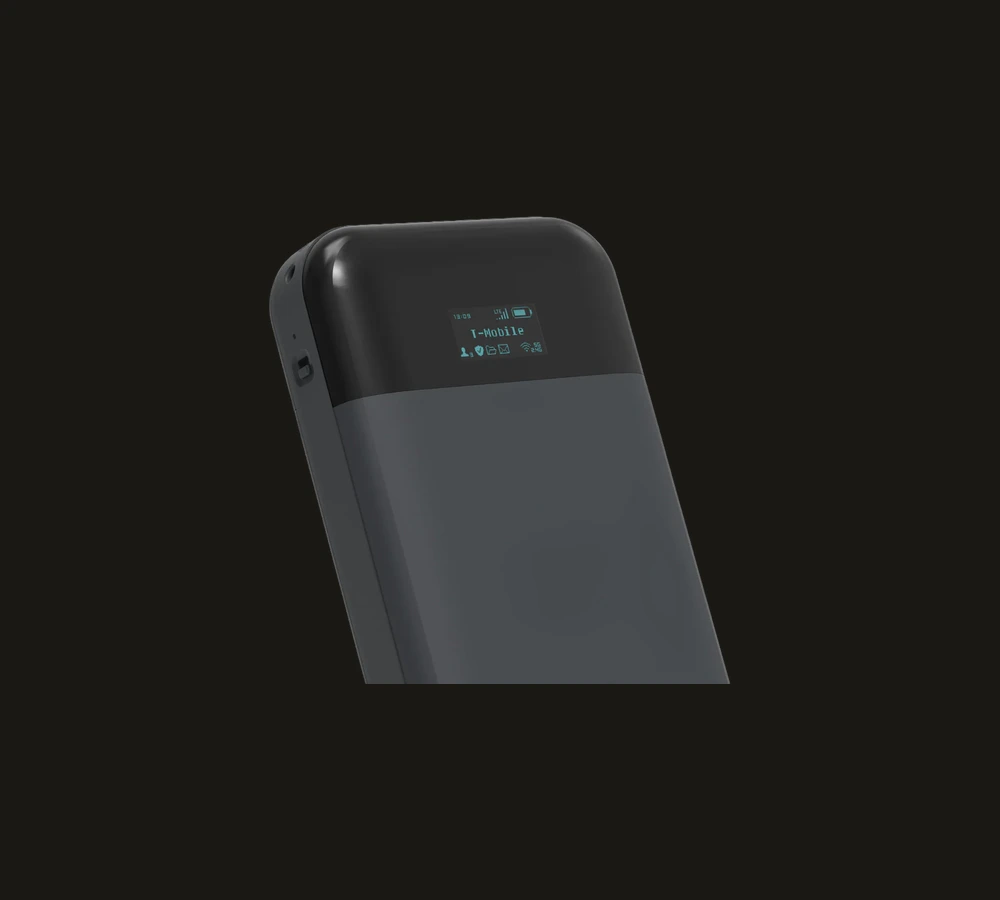
| SIM | 1× nano-SIM |
| Storage | MicroSD up to 1TB |
| Firmware | GL.iNet’s own OpenWrt-based firmware (OpenWrt 22.03.4 base) |
| Price | roughly €130–150 / $140–160 (check current price) |
WireGuard performance
Expect roughly 40–50 Mbps of WireGuard throughput — well below the Mudi 7’s 600+ Mbps, a direct consequence of the older, less powerful chipset. That’s more than enough for most travel use (browsing, email, video calls); it’s a real limitation for 4K streaming or large uploads.
Mudi V2 vs Mudi 7
| Mudi V2 (GL-E750V2) | Mudi 7 (GL-E5800) | |
|---|---|---|
| Mobile network | 4G LTE Cat 6 | 5G NR |
| Wi-Fi | Wi-Fi 5 dual-band | Wi-Fi 7 tri-band |
| WireGuard | ~40–50 Mbps | 600+ Mbps |
| SIM | 1× nano-SIM | 2× nano-SIM + eSIM |
| Battery | 7,000mAh / ~8 hours | 13.5 hours |
| Price | roughly €130–150 / $140–160 | roughly €425 / $420 |
| Independent security research | SRLabs’ blue-merle — actively maintained | Not yet (blue-merle extension still an open request) |
| OpenWrt upstream | The original model (V1, GL-E750) is in the official hardware table; the V2 specifically isn’t confirmed, with known driver issues for the EM060K modem | No committed timeline |
Choose the Mudi V2 if independent, named security research matters more to you than speed and 5G. Choose the Mudi 7 if you genuinely need 5G/Wi-Fi 7 speed and convenience, and the newer, not-yet-as-thoroughly-scrutinized firmware/hardware isn’t a dealbreaker for you.
Privacy hardening with blue-merle
blue-merle is a real, open-source anonymity package built and maintained by SRLabs, a respected German security research firm — not a hobby project. It specifically targets the forensic traceability of a mobile router:
- IMEI randomization — the modem presents a different IMEI to the mobile network on every reboot.
- MAC and BSSID randomization — the Mudi presents a different MAC address and BSSID to clients on every reboot, so your device isn’t recognizable by the same address over time.
- Volatile client connection storage — client connection data isn’t written persistently, limiting the forensic trail left on the device itself.
SRLabs actively maintains this (a 2.0 release exists) and explicitly documents compatibility with the V2 hardware generation. One caveat: SRLabs’ own announcement names an “EM050-G” modem for the V2, while GL.iNet’s current product pages describe an EM060K-GL modem. GL.iNet’s own comparison material likely explains this: the V2 has shipped over time with two different modems, EM060K-G (Cat 6) and EM05-G (Cat 4) — SRLabs’ “EM050-G” most likely refers to that Cat 4 variant, not a real inconsistency. Check which modem is actually in your unit against blue-merle’s own compatibility list before relying on it.
This isn’t something GL.iNet itself built or vetted — it’s exactly the kind of independent scrutiny that’s the strongest signal a device has actually been examined, not just claimed to be safe.
OpenWrt and web interface
The Mudi V2 runs GL.iNet’s own OpenWrt-based firmware with the usual feature set: WireGuard/OpenVPN client, DNS-over-TLS/HTTPS, multi-WAN failover, and full LuCI access for deeper customization. The original model (GL-E750, V1) is in the official OpenWrt hardware table; upstream support for the V2 specifically isn’t confirmed, and there are documented driver issues with the EM060K modem (the qmi_wwan driver doesn’t recognize the device without a patch). Anyone considering vanilla OpenWrt should check this first — it’s not as straightforward as with the original model.
Caveats
No 5G, no Wi-Fi 6/7: this is deliberately an older, slower model. If you regularly send large files or stream 4K on the road, the Mudi 7 is the more realistic choice.
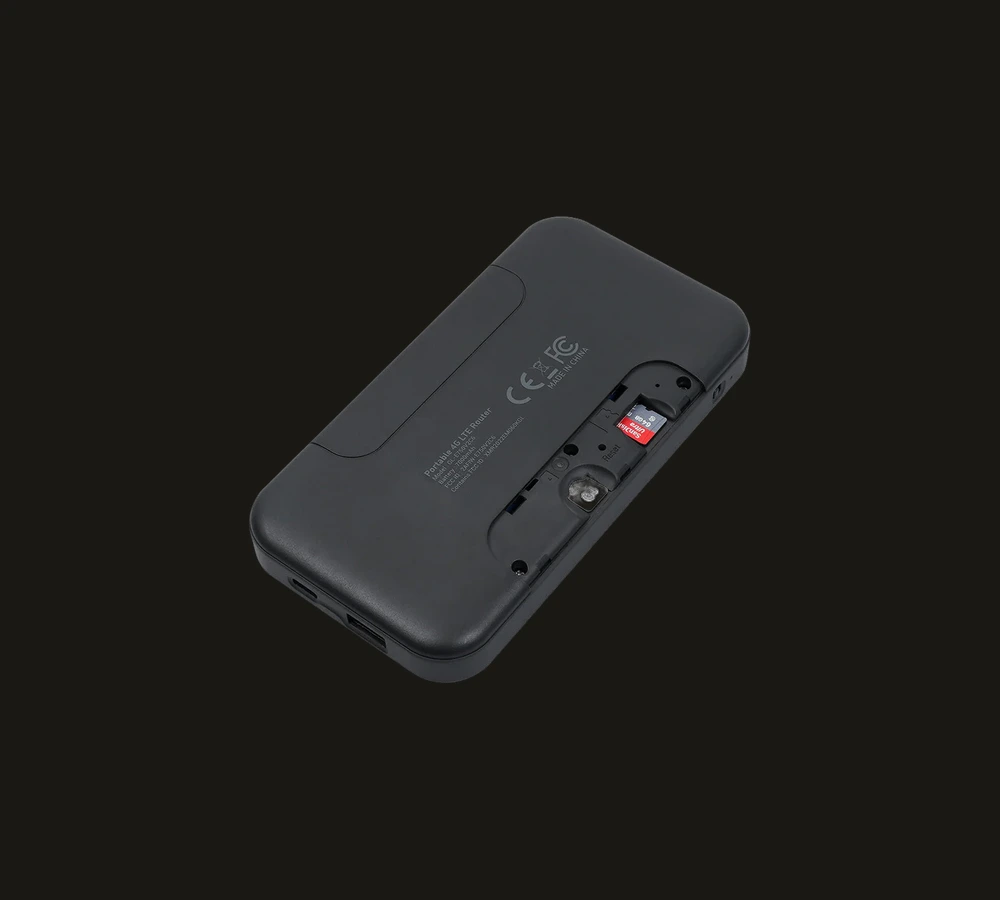
One SIM slot: no dual-SIM or eSIM like the Mudi 7 — less flexible when switching providers on the road.
blue-merle isn’t officially supported by GL.iNet: it’s a community/research project, not a built-in GL.iNet feature. Installation and maintenance are your own responsibility.
Two modem variants in circulation: see above — the V2 has shipped with both a Cat 6 and a Cat 4 modem, check which one is actually in your unit before relying on blue-merle’s compatibility claims.
Pros and cons
Pros
- Only Mudi model with a real, independent, actively maintained security package (blue-merle)
- Notably cheaper than the Mudi 7
- More than enough speed for normal travel use
- Full OpenWrt feature set (WireGuard, multi-WAN, DNS-over-TLS)
Cons
- No 5G, no Wi-Fi 6/7
- WireGuard throughput clearly lower than the Mudi 7
- One SIM slot, no eSIM
- Vanilla OpenWrt support for the V2 specifically isn’t confirmed
Getting started
- Order the Mudi V2 through GL.iNet’s official regional store (EU/UK version for European use) — avoid US listings, which are often carrier-locked (e.g. T-Mobile only).
- Insert a nano-SIM from your own provider and set the APN via the web interface.
- Consider blue-merle if you want the extra anonymization layer — check your exact modem type against blue-merle’s compatibility list on GitHub first.
- Set up WireGuard or OpenVPN via the built-in provider list or your own config file.
Conclusion
The Mudi V2 isn’t the fastest or newest choice in GL.iNet’s lineup — that’s exactly why it’s interesting. It’s the only model a name you can actually look up has looked at and built something real for. If that matters more to you than 5G speed, this is the practical pick.
Next step
Need more speed?
- GL.iNet Mudi 7 review — 5G and Wi-Fi 7, at a higher price and without the same independent scrutiny (yet)
Want to go further?
- GL.iNet Beryl 7 review — don’t need mobile connectivity? This is the cheaper home/travel option
- Network threat profile guide — what level of network security actually fits your situation