Google Pixel 8a with GrapheneOS review
Who is this for? Anyone who already owns a Pixel 8a, or who finds one cheap enough secondhand to prefer over a new Pixel 9a. See the Which Pixel for GrapheneOS? guide for the full picture.
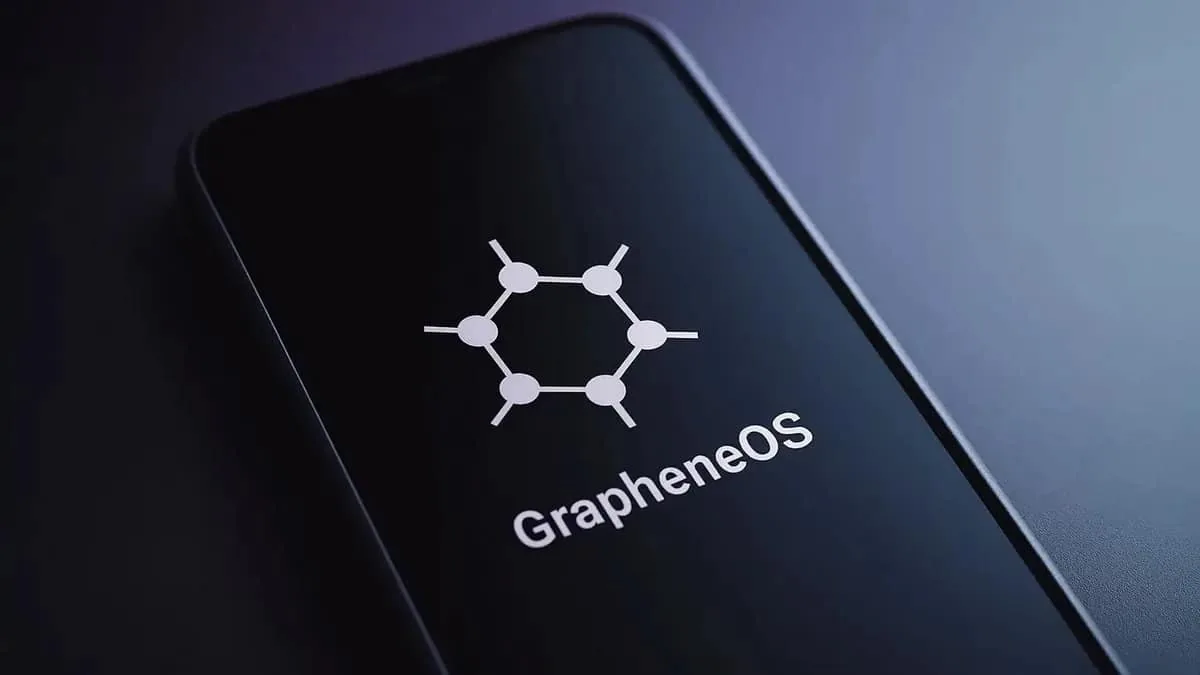
Google Pixel 8a with GrapheneOS review
Who is this for? Anyone who already owns a Pixel 8a, or who finds one cheap enough secondhand to prefer over a new Pixel 9a. See the Which Pixel for GrapheneOS? guide for the full picture.
Where the 8a stands in 2026: it is no longer sold new through official channels (Google moved on to the Pixel 9a and then the 10a), but GrapheneOS still fully supports it and Google still ships security patches until July 2031. So it is a genuine value option on the refurbished market — same seven-year window as the Pixel 9, typically a good bit cheaper — rather than the default “buy this first” phone it once was. For a new purchase, the Pixel 9a is the recommendation.
Specifications
| Property | Value |
|---|---|
| Processor | Google Tensor G3 |
| RAM | 8 GB |
| Storage | 128 or 256 GB |
| Display | 6.1 inch OLED, 120 Hz |
| Camera | 64 MP main camera, 13 MP ultrawide |
| Security | Titan M2 security chip |
| IP rating | IP67 |
| Software updates | Until July 2031 (7 years from the May 2024 launch) |
| Availability | Secondhand / refurbished only — no longer sold new officially (launched at $499) |
| GrapheneOS install | Free — self-install via web installer (15–30 min) |
Why the 8a for GrapheneOS?
The Pixel 8a has the Titan M2 security chip — the same chip as in the more expensive Pixel 9 series. For GrapheneOS, this is the crucial requirement. The chip stores cryptographic keys that are inaccessible to the rest of the system, including the operating system itself. Check the current support status at grapheneos.org.
Verified boot with GrapheneOS keys works fully on the 8a. Every boot verifies whether GrapheneOS is intact.
Seven years of software updates means you can use this device until 2031 with security patches — longer than most competitors promise.
Daily use with GrapheneOS
Tested as a primary phone with GrapheneOS, without sandboxed Google Play.
What works well:
- Signal, Element: flawless
- Vanadium browser: fast, stable
- Organic Maps: navigation works excellently
- Bitwarden: no issues
- F-Droid apps: everything tested works
- Wi-Fi and Bluetooth: normal performance
- Camera: excellent quality, even without the Google Camera app
What needs attention:
- Banking apps: depends on the app — some work, some require sandboxed Google Play
- NFC payments (Google Pay): does not work without sandboxed Google Play and Google Pay setup
- Certain apps with DRM content: Netflix requires Widevine certification, works but requires sandboxed Google Play
Camera: better than expected
The 8a camera performs better than the specifications suggest. Google’s computational photography — the algorithms that process images — works even without the Google Camera app.
Open Camera (F-Droid) or GrapheneOS’ built-in camera app deliver good results. Night photography is less strong than with the proprietary Google Camera, but more than sufficient for daily use.
Battery life
With GrapheneOS and limited background processes, the result is an average of 6–8 hours of screen-on time per charge. This is comparable to the stock installation, sometimes slightly better because GrapheneOS has less background activity.
How to buy a Pixel 8a?
Google no longer sells the 8a new, so this is a refurbished purchase. Swappie, Back Market and similar platforms carry it. Check that the device is carrier-unlocked, not blocked by a corporate MDM policy, and that the battery health is stated. A worn refurbished 8a is not automatically a better deal than a new Pixel 9a.
Comparison with other Pixel models
| Model | Titan M | Updates until | Choose if… |
|---|---|---|---|
| Pixel 8a | M2 | July 2031 | You find a cheap, healthy refurbished unit |
| Pixel 9a | M2 | ~2032 | Buying new — the current recommendation |
| Pixel 10a | M2 | ~2033 | Buying new and want the newest a-series (same Tensor G4) |
| Pixel 9 / 10 | M2 | 2031 / 2032 | You want a larger, higher-end body |
Check current prices at your retailer — a-series phones sit in a narrow band and a good sale changes the answer.
Caveats
It is no longer the default recommendation, and not sold new: the Pixel 9a took over the “buy this first” slot, and the 8a is now a refurbished-only phone. It has to win on price, not on general value.
App compatibility still matters: GrapheneOS works well here, but some banking, DRM-heavy, and NFC-payment flows still depend on sandboxed Google Play. If you expect stock-Android convenience with zero adjustment, that expectation needs correcting before you buy.
Refurbished value depends on the actual unit: The 8a can make a lot of sense second-hand or on sale, but only if the battery, bootloader status, and general device condition are solid. A mediocre refurbished deal is not automatically better than a discounted 9a.
Pros and cons
Pros
- Titan M2 security chip — same chip as in the more expensive Pixel 9 series
- Verified boot with GrapheneOS keys works fully
- Seven years of software updates until 2031
- Core GrapheneOS apps and common privacy tools work well
- 6–8 hours of screen-on time per charge, sometimes slightly better than stock because GrapheneOS runs less background activity
Cons
- Replaced as the recommended entry model by the Pixel 9a, which has a newer chip and longer remaining support
- Some banking apps and DRM-heavy apps require sandboxed Google Play
- NFC payments via Google Pay do not work without sandboxed Google Play
Conclusion
The Pixel 8a with GrapheneOS is still an excellent privacy phone — Titan M2, full GrapheneOS support, security patches until 2031. What has changed is that you can only get one secondhand now, and the Pixel 9a is available new at a comparable price with a newer chip and a longer support window.
Buy a Pixel 8a if you already have one, or if you find a well-kept refurbished unit clearly cheaper than a new 9a. Otherwise, start with the Pixel 9a.
Next step
Have you chosen the Pixel 8a?
- Installing GrapheneOS on Pixel — step-by-step installation guide, takes 15–30 minutes
- GrapheneOS first setup — what to do right after installation
Similar options
- Pixel 9a review — current recommended entry model with newer chip and longer update cycle
- Which Pixel for GrapheneOS? — full model overview with comparison table
Want to go further?
- GrapheneOS profiles guide — setting up sandboxed Google Play and app isolation