Which Pixel do you need for GrapheneOS?
Who this guide is for. This guide is for people who already know they are interested in GrapheneOS and need to understand which hardware actually qualifies and why.
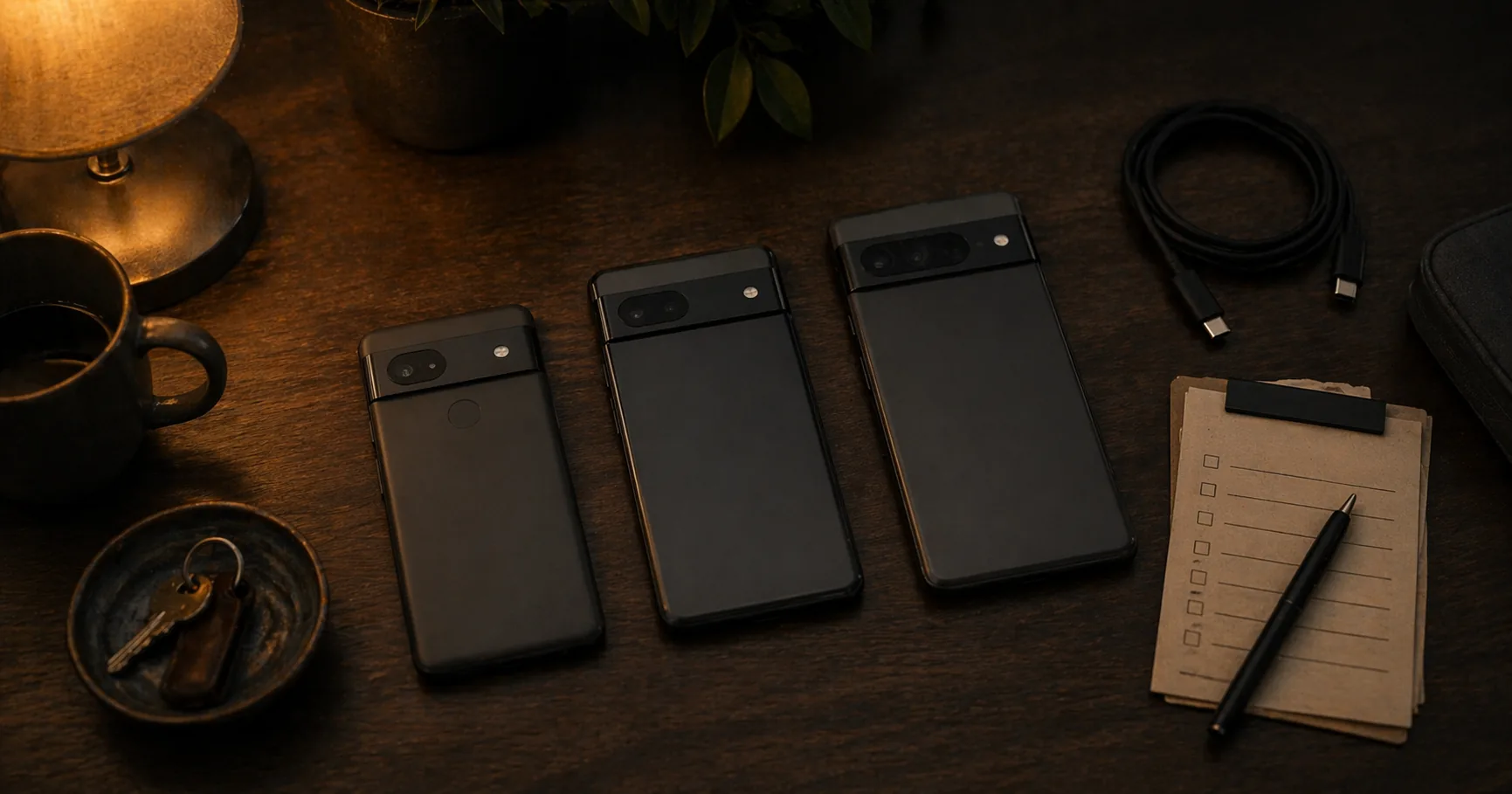
Which Pixel do you need for GrapheneOS?
Who this guide is for. This guide is for people who already know they are interested in GrapheneOS and need to understand which hardware actually qualifies and why.
It fits especially:
- readers asking whether Fairphone, Samsung, Motorola, or OnePlus can run GrapheneOS
- buyers choosing between Pixel models before spending money
- anyone who needs the hardware reasoning, not just a shopping list
What you gain, and what it costs
If you use this guide before buying, you gain:
- a clearer understanding of why GrapheneOS hardware support is deliberately narrow
- a lower chance of buying the wrong device for your real use case
- a more realistic sense of what you are paying for when you buy a Pixel specifically for security
What it costs:
- accepting that hardware choice is constrained
- sometimes paying more than you would for a generic Android phone
- giving up the idea that every “privacy-friendly” brand can deliver the same security properties
When this is overkill
If you are still undecided about whether GrapheneOS matters to you at all, do not start with model details. First decide whether you actually want a security-focused phone path.
This guide becomes useful once the question is no longer “Should I switch?” but “If I switch, what hardware actually makes sense?” If your search is basically “which GrapheneOS phone should I get?”, this is the starting point.
GrapheneOS does not run on every phone. That is a deliberate choice, not a limitation. The hardware requirements are strict because security starts at the hardware level. This guide combines both questions: why you need a supported Pixel, and which model makes sense for your situation.
Why only Pixel?
GrapheneOS places two hard requirements on hardware:
Titan M security chip. This chip, developed by Google and present in all Pixel devices from the Pixel 6 onwards, stores cryptographic keys that are physically inaccessible to the rest of the system. Even if the operating system is fully compromised, the keys inside the Titan M remain safe.
Verified boot with user-configurable keys. On standard Android, verified boot is tied to the manufacturer’s key. GrapheneOS replaces that key with its own — so the system verifies on every boot that GrapheneOS is intact and has not been modified. This is technically only possible on Pixel devices.
Fairphone, Samsung, OnePlus — however good on other fronts — do not offer this combination. GrapheneOS therefore does not support them, and that will not change.
Which Pixel model?
Pixel 9a — best value 2026
Tensor G4 chip, Titan M2, updates until ~2032
The Pixel 9a is the primary recommendation for most users. Same chip as the Pixel 9, lower price, large battery. No UWB — not relevant for most people.
For most readers this is the first model to consider seriously. Choose a more expensive model only if camera, screen, UWB or storage really matter to you.
Pixel 9 series
Tensor G4 chip, Titan M2, updates until ~2031
| Model | New price | Screen | Notes |
|---|---|---|---|
| Pixel 9a | ~€350–400 / $499 | 6.3” | Best value, no UWB |
| Pixel 9 | ~€400–500 / $799 | 6.3” | Slightly better camera than 9a |
| Pixel 9 Pro | ~€600–700 / $999 | 6.3” | Better camera, more RAM |
| Pixel 9 Pro XL | ~€600–750 / $1,099 | 6.8” | Large screen, longer battery |
All Pixel 9 models are security-wise identical. The differences are screen size, camera and UWB — not security.
Pixel 10 series — newest with confirmed GrapheneOS support
Tensor G5 chip on the 10 and 10 Pro, Titan M2, updates until ~2032
| Model | New price | Screen | Notes |
|---|---|---|---|
| Pixel 10a | ~€450–550 / $499 | 6.3” | Lower-cost Pixel 10 generation option, no UWB |
| Pixel 10 | ~€550–650 / $799 | 6.3” | No UWB (downgrade vs Pixel 9) |
| Pixel 10 Pro | ~€800–950 / $999 | 6.3” | UWB present, 16GB RAM, LTPO |
Note: the Pixel 10 base model has no UWB — which was present on the Pixel 9. For UWB you need the Pixel 10 Pro. The Pixel 9a remains better value for most users.
Prices above: indicative ranges (April 2026) — check current retail pricing for exact figures.
A note on the Pixel 11: Google unveiled the Pixel 11 and Pixel 11 Pro on August 12, 2026 at its Made by Google event, with real specs and pricing. GrapheneOS support for them is not yet confirmed — GrapheneOS ended Pixel-exclusive hardware support in March 2026 (Motorola confirmed as a future hardware partner, with support targeted for 2027 — GrapheneOS itself names that year specifically, contingent on Qualcomm hardware progress) and its developers have said they plan to keep adding new Pixels “for now,” without guaranteeing every future model. Until support is confirmed, this guide continues to recommend the Pixel 9 and 10 series. See Google Pixel 11 and GrapheneOS and Google Pixel 11 Pro and GrapheneOS for the full specs and current GrapheneOS status.
Pixel 8 series — previous generation
Tensor G3 chip, Titan M2, updates until ~2030
| Model | Secondhand price | Wireless charging | UWB | Notes |
|---|---|---|---|---|
| Pixel 8 | €250–350 / $250–350 | Yes | Yes | Wireless charging, UWB |
| Pixel 8 Pro | €350–450 / $350–450 | Yes | Yes | Better camera, temperature sensor |
| Pixel 8a | €300–400 / $300–400 | Yes | No | No UWB, prices have risen |
Note on the Pixel 8a: this model is no longer available new from official channels. Secondhand prices have risen as a result — the Pixel 9a is available new at a comparable or lower price and has a newer chip with a longer update guarantee until 2032. The 8a is only worth considering as a secondhand deal significantly cheaper than the Pixel 9a new.
Security-wise the Pixel 8 and 8a are identical — same Titan M2 chip, same update period. The difference is UWB (present on Pixel 8, not 8a) and camera (minimal in practice).
Choose the Pixel 8 secondhand if you find a good price and want UWB. Choose the 8 Pro for the best camera in this generation. The 8a is only worth it if the price is significantly lower than the Pixel 9a new.
Pixel 7 series — budget
Tensor G2 chip, Titan M2, updates until ~2027–2028
| Model | New price | Refurbished | Notes |
|---|---|---|---|
| Pixel 7 | €300–400 / $300–400 | €200–280 / $200–280 | Solid entry model |
| Pixel 7 Pro | €400–500 / $400–500 | €280–350 / $280–350 | Better camera, larger screen |
| Pixel 7a | €280–350 / $280–350 | €200–260 / $200–260 | Most compact and affordable |
The Pixel 7 series is still fully supported by GrapheneOS. The update period ends earlier than the 8 and 9 series — keep this in mind if you want to use this device for several years. Always check the current support status at grapheneos.org.
New or refurbished?
Buying new and installing yourself is the cheapest option. GrapheneOS offers a web-based installer that handles the process in 15–30 minutes. See the installation guide for step-by-step instructions.
Buying refurbished is fine — the hardware is identical. Make sure the device is unlocked and not carrier-locked or blocked by an enterprise MDM policy.
Purchase checklist
Check before buying:
- Is the device carrier unlocked?
- Does the IMEI check out — has the device not been reported stolen?
- Can the bootloader still be unlocked? (Some enterprise devices block this)
- What Android version is on it? (Does not matter for installation, but useful to know)
Summary
| Model | Price | Updates until | Choose if… |
|---|---|---|---|
| Pixel 9a | ~€350–400 / $499 | ~2032 | Best value — primary choice |
| Pixel 9 | ~€400–500 / $799 | ~2031 | You want a slightly better camera |
| Pixel 10a | ~€450–550 / $499 | ~2033 | Newer hardware without going all the way up the range |
| Pixel 10 | ~€550–650 / $799 | ~2032 | Latest gen, note: no UWB |
| Pixel 10 Pro | ~€800–950 / $999 | ~2032 | UWB + newest chip |
| Pixel 9 Pro / XL | ~€600–750 / $999–1,099 | ~2031 | Camera and screen size matter |
| Pixel 8a | hard to find | ~2031 | Secondhand budget option |
| Pixel 7 / 7a | €280–400 / $280–400 new | ~2027–2028 | Short-term use, limited budget |
Prices above: indicative ranges (April 2026) — check current retail pricing for exact figures.
GrapheneOS makes each of these devices significantly more secure than the factory installation. The model matters little for security — choose based on use and budget.
Next step
Go further
- Installing GrapheneOS on a Pixel — move from choosing a model to setup
- Do I need to switch phones? — go back here if you are still unsure whether to switch
Reviews
- Pixel 10a + GrapheneOS review — lower-cost Pixel 10 generation option
- Pixel 10 + GrapheneOS review — base model, Pixel 10 series
- Pixel 9 + GrapheneOS review — hands-on review
- Pixel 8a + GrapheneOS review — previous generation budget option
- Google Pixel 11 and GrapheneOS and Google Pixel 11 Pro and GrapheneOS — announced August 12, 2026; GrapheneOS support not yet confirmed