Bitwarden review — open-source password manager
Who is this for? Practically everyone — a password manager is the first step for digital security, and Bitwarden is the most recommended open-source choice. KeePassXC is the alternative for anyone who wants no cloud involvement.
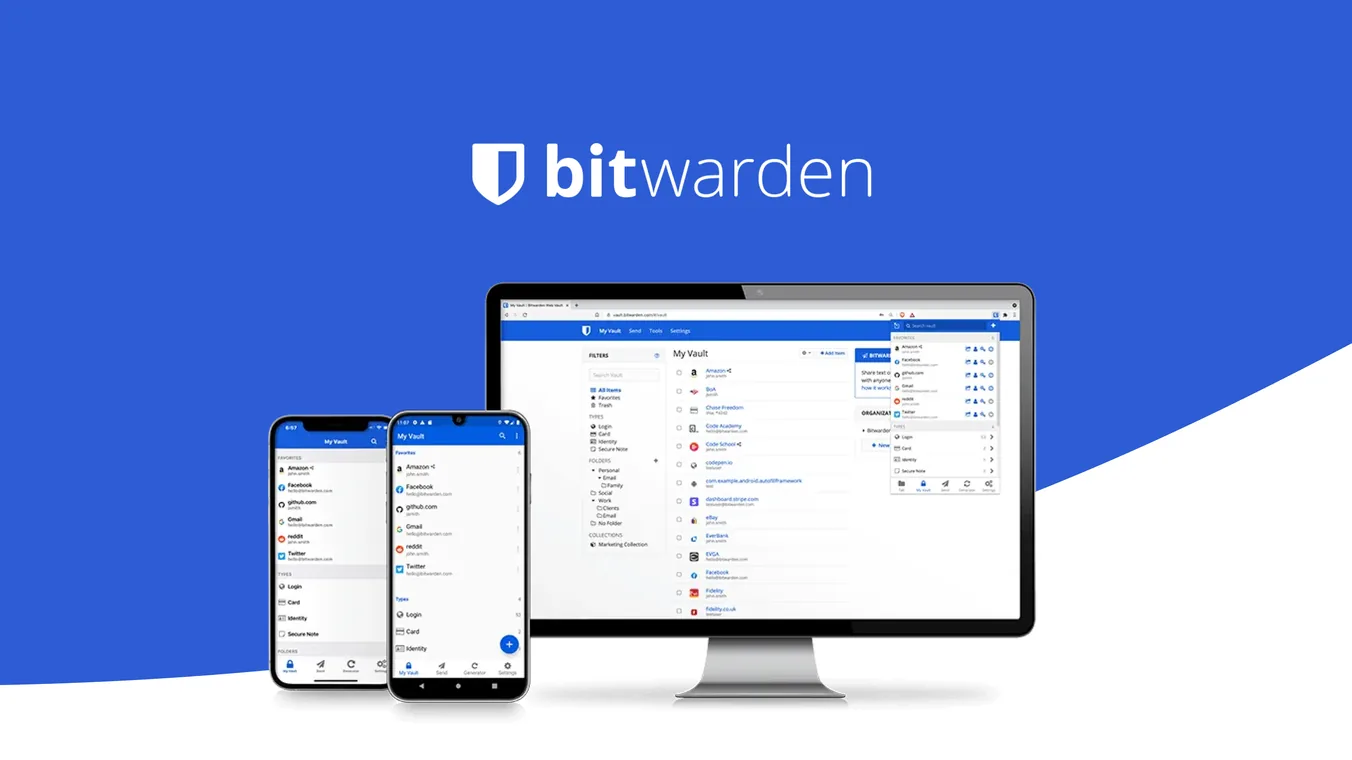
Bitwarden review
Who is this for? Practically everyone — a password manager is the first step for digital security, and Bitwarden is the most recommended open-source choice. KeePassXC is the alternative for anyone who wants no cloud involvement.
A password manager is not a luxury but a basic requirement for digital security. Bitwarden is the open-source choice recommended by privacy communities: zero-knowledge, auditable and free for personal use.
Why a password manager?
Without a password manager, most people use the same password across multiple services, or variations of it. One data breach at a service then means you’re vulnerable everywhere.
A password manager generates unique, random passwords per service and remembers them for you. You only need to remember one strong master password.
Zero-knowledge architecture
Bitwarden uses zero-knowledge encryption: your passwords are encrypted on your device before being sent to the servers. Bitwarden’s servers only store encrypted data — they cannot read your passwords, even if they wanted to.
The only thing that unlocks the vault is your master password, which never leaves your device.
Specifications
| Property | Value |
|---|---|
| Encryption | AES-256-bit + PBKDF2 or Argon2id |
| Open-source | Fully (client + server) |
| Self-hosting | Yes (Vaultwarden or official server) |
| Browser extensions | Chrome, Firefox, Safari, Edge, Brave |
| Mobile | Android, iOS |
| Desktop | Windows, macOS, Linux |
| 2FA support | TOTP, YubiKey, FIDO2 |
| Audits | Multiple independent security audits |
| Free tier | Yes — unlimited passwords, all devices |
| Premium | About $19.80/year — TOTP, 1 GB file attachments, emergency access, vault health reports |
Free vs premium
Bitwarden’s free version is more generous than the paid version of most competitors:
- Unlimited passwords
- Sync across unlimited devices
- All browser extensions and mobile apps
Premium (about $19.80/year, billed annually) adds:
- Store TOTP 2FA codes in Bitwarden itself
- 1 GB encrypted file attachments
- Vault Health Reports (reused passwords, weak passwords, breached passwords)
- YubiKey and FIDO2 hardware 2FA for the vault itself
- Emergency Access
For most people the free version is sufficient.
Sharing on the free tier: Bitwarden also supports sharing with one other person through a free 2-person organisation.
Family plan (about $47.88/year for 6 users): Bitwarden also offers a paid family plan with shared collections for up to six users.
Self-hosting
Bitwarden’s server code is open-source. You can run the full vault on your own server — no data on Bitwarden’s servers. The most common options are the official self-hosted server and Vaultwarden, a lightweight Rust implementation of the Bitwarden API that fits on a Raspberry Pi or small VPS.
Self-hosting means: you manage the backups, you manage the updates, and some premium features still require a valid licence. For advanced users this is the most independent option, but not automatically the simplest.
Comparison with alternatives
| Bitwarden | 1Password | LastPass | KeePassXC | |
|---|---|---|---|---|
| Open-source | Yes | No | No | Yes |
| Cloud sync | Yes | Yes | Yes | DIY |
| Self-hosting | Yes | No | No | Local |
| Free tier | Yes (strong) | No (14 days) | No (limited) | Yes |
| Paid price | From about $19.80/year | From about $4.99/month | From about $3/month | Free |
| Had a data breach | No* | No | Yes (2022, 2026) | N/A |
LastPass had a serious data breach in 2022 where encrypted vaults were stolen, and a second, smaller supply-chain incident in June 2026 exposed customer contact details from a third-party vendor (not vault data). Not recommended.
*Bitwarden had a narrow security incident in April 2026: its developer-focused CLI tool, distributed via npm, was briefly compromised in a supply-chain attack (unrelated to the LastPass incidents). Bitwarden confirmed no evidence that end-user vault data was accessed — this did not affect the password manager most people actually use, but it’s a real reported incident worth naming rather than a flat “no.”
Migration from other managers
Bitwarden can import from LastPass, 1Password, KeePass, Chrome, Firefox and dozens of other formats. Migration takes less than 10 minutes in most cases.
Caveats
Forgetting the master password is serious. Zero-knowledge also means Bitwarden cannot recover or reset it for you. For individual accounts there is no classic reset path, but premium users can set up Emergency Access in advance for emergencies. Write your master password on paper and store it safely, separate from your devices.
Bitwarden as 2FA storage: You can store TOTP codes in Bitwarden (premium), but this combines password and 2FA in the same vault. If your vault is compromised, both factors are gone. Use Aegis separately for 2FA if you want to get the maximum out of two-factor authentication.
Pros and cons
Pros
- Free tier includes unlimited passwords, unlimited devices, and all browser extensions — more generous than most paid competitors
- Zero-knowledge architecture: passwords are encrypted on-device before reaching the server
- Fully open-source client and server — independently auditable
- Self-hosting possible via Vaultwarden on a Raspberry Pi or small VPS
- Supports TOTP, YubiKey, and FIDO2 as second factors for the vault itself
Cons
- Forgetting the master password means permanent, unrecoverable loss of all data — zero-knowledge has no reset option
- Storing TOTP codes in Bitwarden (premium) combines both factors in one vault — if the vault is compromised, two-factor authentication is no longer meaningful
- Premium features require a paid subscription, although the free tier is enough for most people
Getting started
1. Create an account
Go to bitwarden.com and create a free account. Choose a strong master password you use nowhere else — write it down and store it safely, separate from your devices. This password cannot be recovered.
2. Install the browser extension
Install the Bitwarden extension for Firefox, Chrome, or Brave. The extension auto-fills passwords on login pages. In the extension settings, configure it to lock after inactivity (e.g. 15 minutes or when the browser closes).
3. Mobile app
Download Bitwarden from the App Store or Play Store (or F-Droid). Use biometric unlock for daily convenience — your master password is still required for the initial setup.
4. Import existing passwords
In the Bitwarden web interface, go to Tools → Import Data. Bitwarden supports import from LastPass, 1Password, Chrome, Firefox, and dozens of other formats.
5. Generate unique passwords
For each service, go to account settings and replace the current password with a Bitwarden-generated password (at least 16 characters, random). Start with your most important accounts: email, bank, and government services.
Conclusion
Bitwarden is the best choice for most people switching from no or a closed password manager. Open-source, completely free for personal use, well audited. There is no good reason to choose LastPass or a closed alternative.
Next step
Chosen Bitwarden?
- Two-factor authentication guide — setting up 2FA alongside your password manager
- Aegis Authenticator review — open-source 2FA app for Android
Already using it?
If you already use Bitwarden, make sure your master password is written down, Emergency Access is configured, and 2FA for the vault itself is active.
- Choose and set up a password manager — migration, backup and recovery planning
Want to go further?
- Security without buying anything — Bitwarden as a free first step in a broader baseline