2FA done right: authenticator apps and hardware keys
Two-factor authentication (2FA) adds a second verification step alongside your password. Even if someone knows your password, they also need the second factor.
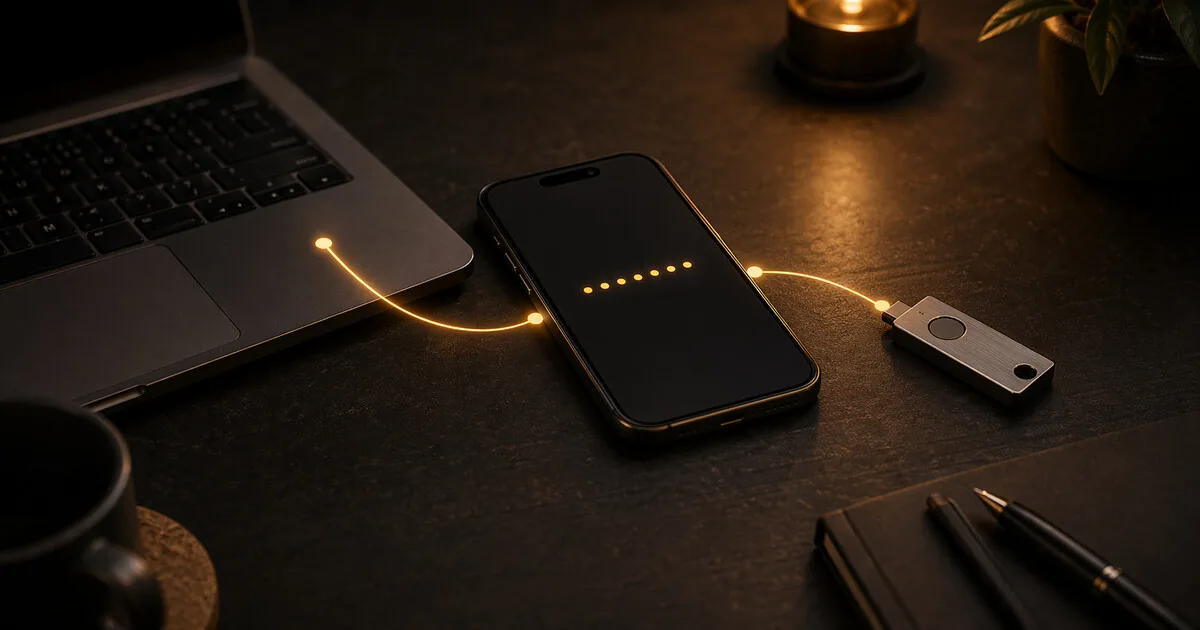
2FA done right: authenticator apps and hardware keys
Two-factor authentication (2FA) adds a second verification step alongside your password. Even if someone knows your password, they also need the second factor.
Not all 2FA is equally strong. This article explains the differences.
Who this guide is for
This guide is for almost every reader with online accounts, especially if you:
- still rely on passwords alone for important logins
- use SMS codes and assume that means you are fully covered
- want the highest-impact security step after getting a password manager
This is step 2 in the normal baseline. If you haven’t set up a password manager yet, do that first.
What you gain, and what it costs
What you gain:
- much lower risk from leaked or reused passwords
- better protection for your email, password manager, and cloud accounts
- a clearer understanding of when TOTP is enough and when hardware keys are worth it
What it costs:
- logins take slightly longer
- you need to store backup codes properly
- stronger 2FA options add a bit of setup work and, for hardware keys, extra cost
When this is overkill
The basics here are not overkill for most readers. What becomes overkill is buying hardware keys for every account before you have even enabled TOTP on your important ones. Start with authenticator-based 2FA on your critical accounts, then add keys where they matter most.
SMS 2FA: avoid it where possible
SMS 2FA — a code via text message — is better than nothing but has serious weaknesses.
SIM swapping: An attacker convinces your carrier to transfer your number to a new SIM card in their possession. After that, they receive your SMS codes.
SS7 vulnerabilities: The phone system has known security weaknesses that allow SMS messages to be intercepted.
Carrier access: Law enforcement can request SMS messages from carriers.
Use SMS 2FA only when there is no better alternative available.
TOTP: time-based codes via an app
TOTP (Time-based One-Time Password) generates a six-digit code that changes every 30 seconds. The calculation happens locally on your device — no server connection is needed.
Aegis Authenticator
Open-source, local storage, encrypted backup file. Available via F-Droid.
This is the recommendation for most users. You can create an encrypted export as a backup and store it safely.
Avoid: Google Authenticator (can sync to a Google account, opt-in), Microsoft Authenticator (cloud-dependent), Authy (cloud backup available, opt-in).
iOS user? Aegis is Android-only. On iOS, use 2FAS (open-source, free, App Store) or Tofu (open-source, free, App Store). Both support TOTP, encrypted export, and no cloud connection.
Setting up 2FA
- Install Aegis
- Go to the 2FA settings for the service you want to secure
- Scan the QR code with Aegis
- Enter the generated code to confirm
- Save the backup codes the service gives you — on paper or in an encrypted file
Hardware keys: the strongest option
A hardware security key is a physical device you plug in via USB or tap via NFC. When logging in, you press the button on the key — proof that you are physically present.
Hardware keys are resistant to phishing: a fake website cannot hijack the authentication because the key verifies the actual domain name.
YubiKey 5 NFC
The most widely used hardware key. Supports multiple protocols (FIDO2, WebAuthn, OTP). Works via USB-A and NFC. If you have a USB-C-only port and no adapter, choose the YubiKey 5C NFC instead.
Compatible with most major services: Google, GitHub, Proton, Bitwarden, and more.
Price: check current price at yubico.com
Nitrokey 3
Open-source alternative to YubiKey. The firmware is fully visible and updatable — an advantage for those who distrust closed hardware.
Price: check current price at nitrokey.com
Which one do you choose?
For most users: YubiKey 5 NFC. Wide support, proven reliability, NFC works directly with GrapheneOS.
For those where open-source firmware is a hard requirement: Nitrokey 3.
Always buy two keys — one as primary, one as backup. If you lose the only key, you cannot access your accounts.
Backup codes: the part everyone forgets
Every service that supports 2FA gives backup codes when setting it up. Store these:
- Not in the app on your phone — if your phone is gone, the codes are gone too
- Not in an online document — that is the same as no backup
- Do: printed in a secure location, or in an encrypted file on an offline medium
Which services support hardware keys?
Hardware keys (FIDO2/WebAuthn) are supported by: Google, GitHub, Proton, Bitwarden, Dropbox, and most major international services.
Dutch services still lag behind. DigiD does not yet support hardware keys, so use the authenticator app there. Banking apps use their own 2FA systems rather than standard TOTP or FIDO2.
How to start, step by step
- Install Aegis (Android) or 2FAS/Tofu (iOS)
- Move your most critical accounts to TOTP: email, password manager, cloud storage. If you are self-employed, start with email, accounting software, and DigiD.
- Save backup codes
- Remove SMS 2FA where you already have it set up and replace it with TOTP
- Consider a hardware key as an optional extra step for accounts that support it — steps 1–4 are the priority
Next step
Go further
- Security as a habit — building a durable baseline once passwords and 2FA are covered
Reviews
- Aegis review — open-source TOTP app for Android
- YubiKey vs Nitrokey review — hardware security keys
- KeePassXC review — password manager with 2FA support