Proton Mail review — encrypted email from Switzerland
Who is this for? Anyone switching to a privacy-friendly email provider. Proton Mail is the most accessible choice with a free tier. Email is structurally less secure than Signal for sensitive communications — see Setting up Signal for context.
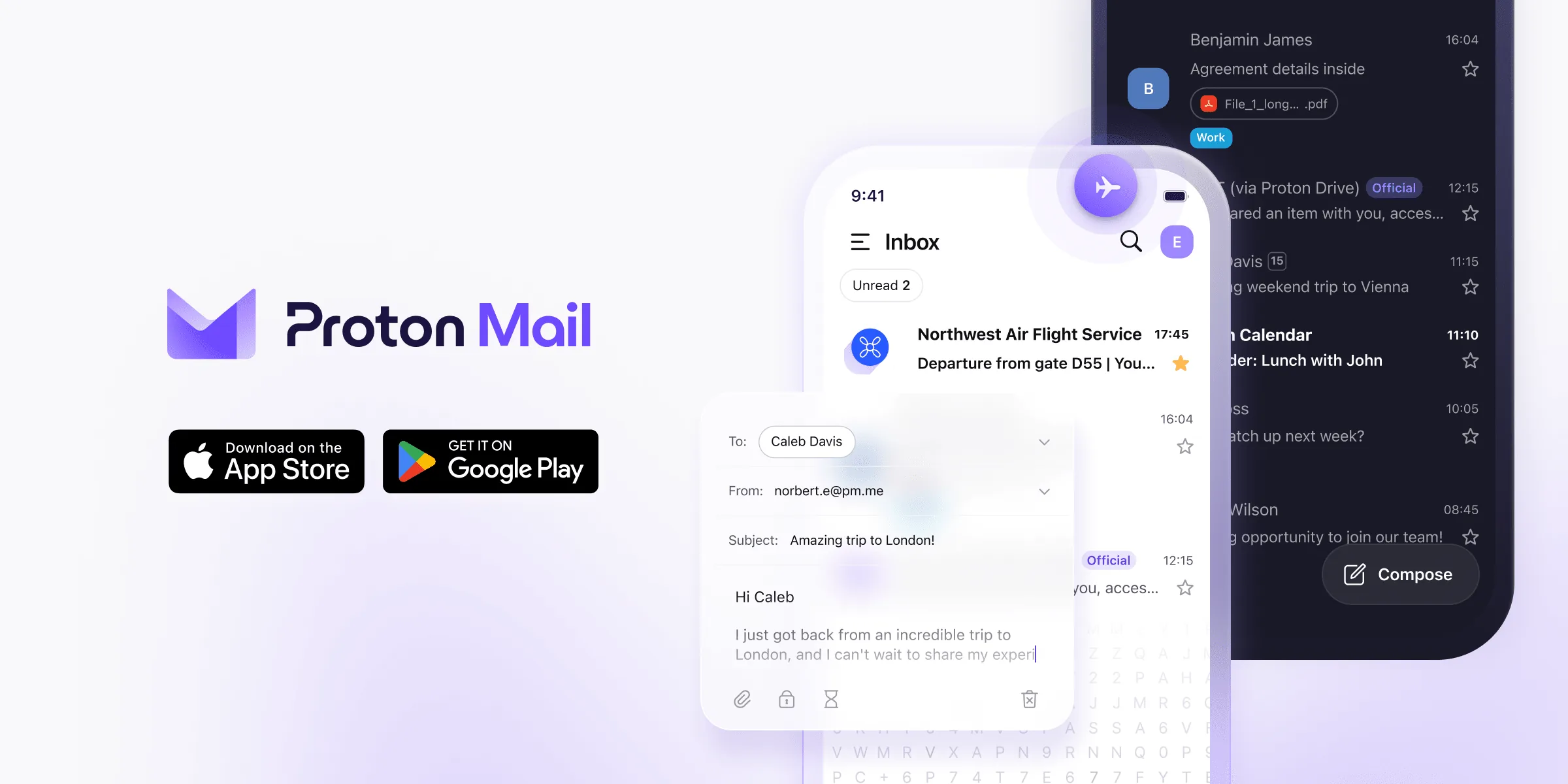
Proton Mail review
Who is this for? Anyone switching to a privacy-friendly email provider. Proton Mail is the most accessible choice with a free tier. Email is structurally less secure than Signal for sensitive communications — see Setting up Signal for context.
Proton Mail is the most widely used privacy-friendly email provider. Based in Switzerland, end-to-end encrypted between Proton users, free tier available. What it protects — and what it doesn’t.
What Proton Mail protects
Zero-access encryption: Proton cannot read the contents of your emails. Messages are encrypted with your public key before being stored on the servers. Only you can decrypt them.
End-to-end encryption (Proton-to-Proton): Emails between two Proton Mail addresses are automatically end-to-end encrypted. No intermediary can read along.
No IP logging (by default): Proton does not log IP addresses at login by default. You can verify this in settings.
Swiss jurisdiction: Swiss privacy law is stricter than EU or US. Proton can theoretically be compelled to provide data via a Swiss court, but the encrypted content cannot be decrypted.
What Proton Mail does NOT protect
Metadata: Proton still sees important metadata such as when you send mail and with whom. Subject lines are not end-to-end encrypted, even though they are encrypted at rest.
Email to non-Proton addresses: If you use Proton but the recipient has Gmail, Yahoo or another standard address, the email travels outside the encrypted Proton infrastructure. The content is then not end-to-end encrypted unless you use PGP or send a password-protected email.
Incoming email: Email arriving from outside Proton is not end-to-end encrypted. Proton receives it unencrypted and then encrypts it with your key for storage.
Specifications
| Property | Value |
|---|---|
| Jurisdiction | Switzerland |
| Encryption | PGP + zero-access (storage) |
| E2E encryption | Automatic between Proton users |
| Open-source | Yes (clients) |
| Free tier | Yes — 1 address, 1 GB storage |
| Proton Mail Plus | Paid — |
| Proton Unlimited | Paid — ~$9.99/month, 500 GB, all Proton services (VPN, Drive, Calendar, Pass) |
| Anonymous payment | Bitcoin or cash by post — both credited to your account balance, not usable at signup itself |
| Desktop bridge | Yes — IMAP/SMTP for Thunderbird, Apple Mail, Outlook |
| Mobile | Android, iOS |
Proton Bridge — use with existing email client
Proton Mail has a web interface and mobile apps by default. If you want to use a desktop email client like Thunderbird, you need Proton Bridge. Bridge runs locally on your computer and translates the Proton API to standard IMAP/SMTP.
Advantage: you work in a familiar email client. Disadvantage: Bridge must be running for synchronisation — one extra background process.
Comparison with alternatives
| Proton Mail | Tutanota | Gmail | Outlook | |
|---|---|---|---|---|
| E2E encryption | Yes (Proton-to-Proton) | Yes (Tuta-to-Tuta) | No | No |
| Zero-access storage | Yes | Yes | No | No |
| Open-source client | Yes | Yes | No | No |
| Free tier | Yes | Yes | Yes | Yes |
| Jurisdiction | Switzerland | Germany | US | US/Ireland |
| PGP support | Yes | Limited | No | No |
Tutanota (now Tuta) is a good alternative to Proton Mail with comparable encryption but its own protocol instead of PGP.
Migration from Gmail
Proton has an import tool to import existing Gmail messages. The process takes hours to days depending on mailbox size. Your Gmail address keeps receiving afterwards — set up a forward or change your address gradually at services.
Caveats
Free tier is limited: the free plan starts small and is fine for light use, but tight if you want Proton as your primary mailbox.
Email is inherently old and insecure: The SMTP protocol was designed without privacy in mind. Proton does the maximum within those constraints. For truly confidential communication, Signal or PGP is structurally more secure.
Proton has provided data to police: In 2021 Proton provided IP addresses of a climate activist following a Swiss court order. Zero-knowledge encryption protected the content — but the metadata (IP, account creation timestamp) was available. A second, more concrete example surfaced in 2026: the FBI used a Mutual Legal Assistance Treaty request via Swiss authorities to obtain the payment/billing data tied to an activist group’s Proton Mail account (the “Stop Cop City” case). Message content stayed encrypted, but the credit-card payment identifier on file was enough to identify the account holder, who was then arrested. The lesson is the same both times: zero-access encryption protects what you write, not who you are — that’s determined by IP address and payment method, both of which fall outside the encryption model entirely. Use Tor or VPN when logging in, and pay with Bitcoin or cash (both supported — see Getting started) if you want to prevent your identity from being one legal request away.
Pros and cons
Pros
- Zero-access encryption — Proton cannot read stored messages even if compelled
- Automatic end-to-end encryption between Proton Mail addresses
- Swiss jurisdiction with stricter privacy law than EU or US for foreign government access
- Open-source clients; free tier available
- Import tool migrates existing Gmail in hours
Cons
- Metadata such as who you email and when remains visible to Proton even with content encryption
- Emails to non-Proton recipients are not end-to-end encrypted unless PGP is used — the majority of email traffic
- Proton has twice provided identifying metadata under Swiss legal orders (2021: IP address; 2026: payment data that unmasked an activist) — content stays encrypted, but IP and payment method don’t; use Tor/VPN at login and anonymous payment if that matters to you
- Free tier is limited and mainly intended as an entry point
Getting started
1. Create an account
Go to proton.me and create a free account. No phone number required. Use Tor or a VPN at sign-up if you do not want your IP address linked to the new account. If you later upgrade to a paid plan and want to avoid linking a credit card to the account (see the payment-data caveat below), pay with Bitcoin or cash by post instead — both work as account credit, though not at signup itself.
2. Enable 2FA
Go to Settings → Account and password → Two-factor authentication and link an authenticator app (e.g. Aegis on Android). This protects your account if your password leaks.
3. Leave image loading on default
Unlike most providers, Proton Mail loads remote images through its own proxy by default (Settings → Email privacy → Auto show remote images), which strips the IP address and device information a tracker would otherwise see — no need to switch it to manual loading yourself.
4. Migrate from Gmail
Use the Proton Mail import tool (Settings → Import and export) to copy existing Gmail messages across. Set up a forward from Gmail afterwards so you don’t miss mail during the transition.
5. Proton Bridge (optional)
To use Thunderbird or another desktop client, install Proton Bridge. It translates the Proton API into standard IMAP/SMTP and runs as a background process.
Conclusion
Proton Mail is the best choice if you want to switch from Gmail or Outlook to a privacy-friendly email provider. The encryption is solid, the free tier is usable, and the ecosystem (VPN, Drive, Calendar, Pass) makes Proton a complete privacy stack.
Understand that email has structural limits — it is not a replacement for Signal for sensitive communication.
Next step
Chosen Proton Mail?
- Secure email without overkill — when Proton is enough and when you need more
Already using it?
If you already use Proton Mail, get the basics right first: 2FA on, and be clear about when email is sufficient and when to reach for Signal or PGP instead.
- PGP practical guide — encrypting email with non-Proton recipients
Want to go further?
- ProtonVPN review — if you want to explore the full Proton ecosystem
- Signal and Molly review — for sensitive communication outside email