IzzyOnDroid review — 1,400 open-source apps, faster updates, mostly verified builds
IzzyOnDroid is an independent F-Droid-compatible repository, run by a volunteer team, with about 1,400 open-source apps (many of them not in F-Droid's own repo at f-droid.org) and faster updates.
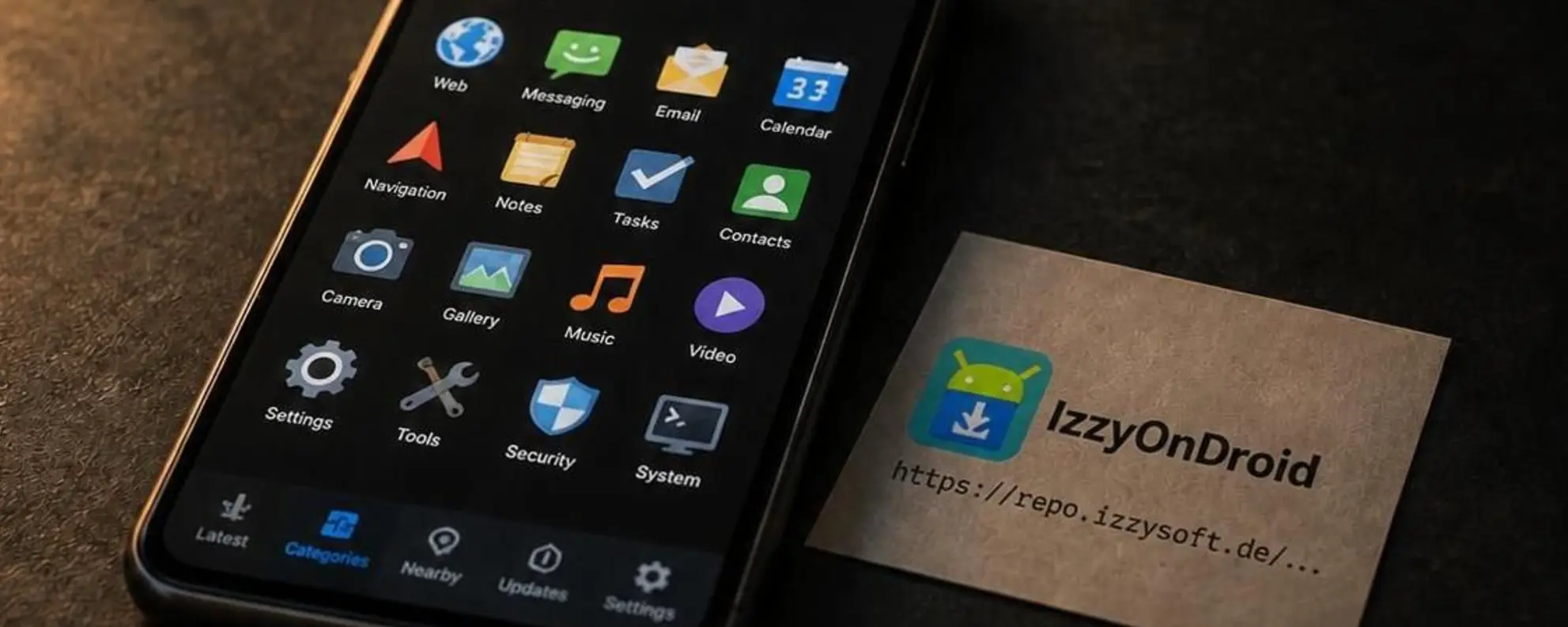
IzzyOnDroid review
IzzyOnDroid is an independent F-Droid-compatible repository, run by a volunteer team, with about 1,400 open-source apps (many of them not in F-Droid’s own repo at f-droid.org) and faster updates.
Who is this for? Android users who already use F-Droid or another F-Droid client and want access to more open-source apps than F-Droid’s own repo provides, with faster updates and less installation friction.
IzzyOnDroid is not a separate app store. It is an F-Droid-compatible repository that you add to an F-Droid client: F-Droid itself, or clients such as Droid-ify and Neo Store. It started as a one-person project of its founder Izzy (IzzySoft on GitHub and GitLab, Izzy on Codeberg) and has been run by a team since November 2023; the project put the team at 12 people in October 2026. With about 1,400 apps (1,401 on 31 October 2026) it is, by the project’s own description, the second largest repository for free and open-source Android apps; many of its apps are only available there. It is not a waiting room for F-Droid: since 2024, apps that get accepted into F-Droid’s repo are no longer removed from IzzyOnDroid automatically.
How it works: IzzyOnDroid distributes the APK that the app’s developer built and signed, after scanning it. To check that APK, its build servers rebuild the app from the published source; if the result is byte-identical, the app is marked as reproducible. At the end of October 2026 that covered 971 apps, 69.4% of the repo (the project’s own count; it passed two thirds in July 2026). Among apps updated in the last three months, the team puts it at around 90%.
How it compares with F-Droid
| IzzyOnDroid | F-Droid (f-droid.org) | |
|---|---|---|
| APK | Developer-signed; for about 70% of apps verified against IzzyOnDroid’s own rebuild | Mostly built and signed by F-Droid; developer-signed where a reproducible build matches |
| Number of apps | ~1,400, many not in F-Droid’s repo | ~4,950 |
| Update speed | Fast (checks the developers’ releases daily; usually within 24 hours, by IzzyOnDroid’s FAQ) | Slower (waits for F-Droid’s build cycle) |
| Reproducible builds | About 70% of apps (November 2026) | Part of the repo, being expanded |
| Scanning | VirusTotal (60+ engines), own APK and library scanner | Scans in its own build process |
| Open source required | Yes (a non-free component only if the app can’t work without it; no trackers) | Yes |
| Run by | IzzyOnDroid team (volunteers) | F-Droid team |
The difference is smaller than it looks. F-Droid usually builds an app itself and signs it with its own key, but for apps with reproducible builds it can also publish the developer-signed APK, after the same byte-for-byte check IzzyOnDroid does. In both repos you trust the developer who wrote the code: neither IzzyOnDroid nor F-Droid can review every app’s full source code on every release. What a reproducible build adds is proof that the APK contains exactly the published source, nothing added or left out.
Security model
Signature verification: When an app is added, IzzyOnDroid checks the developer’s signing certificate (no debug, public or known-leaked keys) and pins it. An update signed with a different key is rejected; it only gets in if the key change turns out to be justified, otherwise updates stay disabled or the app is removed.
Malware scanning: All APKs are scanned via VirusTotal (more than 60 engines). The repo browser shows the result per version: pending, clean, a single finding, a warning (fewer than 5 findings) or an alert (5 or more). From the warning level on, the team cross-checks the findings by hand, and each label links to the VirusTotal report.
Manifest checks: AndroidManifest.xml is checked for debug and test flags, cleartext traffic and sensitive permissions, and for powerful functions such as Accessibility, VPN and input-method services, which an app must have a good reason to use. Sensitive permissions are highlighted in the repo browser, with the reason where the developer explained it; the team asks developers to explain them, and an unexplained dangerous permission can lead to removal.
Signing-block checks: The scanner also flags extra data hidden in an APK’s signing block, such as a dependency block encrypted for Google that nobody else can read.
Library scanning: APKs are analysed for embedded libraries, payment modules, and advertising/analytics components.
Quarantine: An incoming update with critical findings (such as a library that calls for a new anti-feature, an especially critical permission, or a new manifest flag or intent filter) is held back automatically, and update checks for that app pause while the team contacts the developer.
Reproducible builds: IzzyOnDroid’s builders rebuild apps from the published source and compare the result with the developer’s APK. A byte-identical match shows as a green shield in the repo browser, and in Droid-ify and Neo Store. A failed rebuild isn’t automatically a danger: a non-deterministic build step or a different tool version is enough to make the bytes differ. The team then contacts the developer, and an app whose source turns out to be kept private becomes a candidate for removal. According to the team, some frameworks (such as C#) don’t seem ready for reproducible builds yet.
Everything is visible per app: the repo browser shows, for each app, the libraries found, the manifest and signing-block findings, the VirusTotal result and whether the APK was confirmed as a reproducible build. F-Droid’s app pages show Anti-Features, build logs and a reproducibility status, but no library list or scan results (both sites checked October 2026). IzzyOnDroid’s website also documents how its checks work.
Anti-Features: like F-Droid, IzzyOnDroid labels things you might not want per app, such as ads, tracking or a dependency on a non-free network service, with a short explanation.
What the security model does not provide: A reproducible build proves that the APK matches the source, not that the source is safe. For apps without a reproducible build (about three in ten), you get the developer’s APK with IzzyOnDroid’s scans, but no independent check that it matches the published source.
Version history
IzzyOnDroid usually keeps up to 3 versions per app, within a size limit. Older versions are purged automatically, and there is no archive repo. This differs from F-Droid’s own repo, which keeps more extensive version histories. For downgrade options to a specific older version, F-Droid’s repo is more reliable.
Typical use case
IzzyOnDroid is most useful for apps that:
- Are not in F-Droid’s own repo; many apps are only available via IzzyOnDroid
- Should update faster than the F-Droid build cycle allows
- Are released on GitHub or Codeberg but not submitted to F-Droid
Examples of apps you can get via IzzyOnDroid: the F-Droid clients Droid-ify and Neo Store, Obtainium, the open-source YouTube clients NewPipe and PipePipe, the email app FairEmail, the Fossify apps (gallery, contacts, messages, phone and more) and the gallery app Aves.
Using both repos: if F-Droid and IzzyOnDroid both ship an app’s developer-signed APK (because its reproducible build is established in both), the signatures match. You can then install the app from F-Droid and take updates from IzzyOnDroid, where they usually arrive sooner.
Caveats
A volunteer project: IzzyOnDroid has run since 2015, when its founder started it as a one-person project. Apart from an NLnet grant (NGI Mobifree, 2025 cycle), IzzyOnDroid’s work is done by volunteers in their free time (the project’s own words, March 2026); donations from supporters cover expenses such as servers. The team has grown since 2023, to 12 people in October 2026, but a small volunteer project carries more continuity risk than a large organisation. The same applies, to a lesser degree, to F-Droid.
Not every app is reproducible yet: For about three in ten apps, the developer’s APK isn’t independently verified against its source. Droid-ify and Neo Store show per release which apps are verified, and Neo Store can be set to install only reproducible apps.
Google’s developer-verification policy. Like every app installed outside Google Play, including apps from F-Droid and Obtainium, IzzyOnDroid apps fall under Google’s developer-verification policy on certified Android once it covers all apps, which Google plans for 2027: apps must then come from a developer registered with Google, or be installed through adb or Google’s “advanced flow”. The first phase, from 30 September 2026, only covers installs from Google Play and six phone makers’ app stores in Brazil, Indonesia, Singapore and Thailand. It doesn’t apply on Android versions without Google certification, such as GrapheneOS, CalyxOS or /e/OS. IzzyOnDroid has signed the Keep Android Open open letter against the policy, as has F-Droid. See the F-Droid review for the wider picture.
Pros and cons
Pros
- About 1,400 extra apps on top of F-Droid’s own repo, many only available here
- Faster updates: apps don’t wait for F-Droid’s build cycle
- About 70% of apps verified with reproducible builds
- Transparent scan results per app, publicly visible
- Works in any F-Droid client; Droid-ify and Neo Store also show download statistics and reproducible-build status
- Free, no account required
- Volunteer-run, funded by donations and a 2025 NLnet grant, not commercially driven
Cons
- About three in ten apps without a reproducible build: there you rely on the developer’s APK plus scans
- Usually up to 3 versions per app, so fewer downgrade options
- A small volunteer team: more continuity risk than a large organisation
Getting started
Not using an F-Droid client yet? The simplest start is a client that has IzzyOnDroid built in. Droid-ify and Neo Store both ship with F-Droid’s repo and IzzyOnDroid preconfigured and switched on, plus a list of other repos you can turn on (checked in both apps’ source code, October 2026). Install the client from F-Droid, IzzyOnDroid or the project’s release page. With Google’s Advanced Protection on (Android 16+), Android blocks installs from unknown sources and updates to apps installed that way, so no F-Droid client can then install or update IzzyOnDroid apps.
Already use F-Droid? The easiest way: open apt.izzysoft.de/fdroid on your phone and tap the repository address below the QR code (the link carries the fingerprint), or scan the QR code with your F-Droid client. F-Droid opens and offers to add the repo with address and fingerprint filled in; you only confirm. If IzzyOnDroid is already in your list, F-Droid says “This repository was already added.”
By hand (F-Droid 2.0):
- On the Discover tab, tap the Repositories icon at the top, then + (New repository)
- Tap Enter repository URL manually and type the address with its fingerprint (or tap Paste), as IzzyOnDroid publishes it:
https://apt.izzysoft.de/fdroid/repo?fingerprint=3BF0D6ABFEAE2F401707B6D966BE743BF0EEE49C2561B9BA39073711F628937A(the fingerprint lets F-Droid check it is talking to the real repo) - Tap Add, check the preview, then tap Add repository. IzzyOnDroid apps now appear in search results
In F-Droid 1.x the list is under Settings → Repositories; tap + and the same screens follow.
After adding:
Search by app name in F-Droid. If in doubt, check the scan results and reproducible-build status on the IzzyOnDroid website before installing.
Conclusion
IzzyOnDroid is the logical complement to F-Droid’s own repo for anyone who wants more open-source apps without switching to Aurora Store or the Play Store. The scanning, signature checks and reproducible builds are well documented and publicly visible. The main thing to know: for about 70% of the apps, the APK is verified to match its published source; for the rest you rely on the developer’s own build plus IzzyOnDroid’s scans. In both IzzyOnDroid and F-Droid you trust the developers who write the code. For most users who consciously choose open-source apps, that is a sound choice.
Next step
Added IzzyOnDroid?
- F-Droid review — F-Droid’s own repo as a foundation, including security model and setup
- Obtainium review — fetch apps directly from developers without a central repo
Want to look further?
- Aurora Store review — Google Play apps without a Google account