Aurora Store review — Google Play without a Google account
Who is this for? Android users who want to download apps from Google Play without linking a Google account to their device. Aurora Store is an anonymous Play client — not a replacement for Play, but a way to access the same catalogue without being signed in.
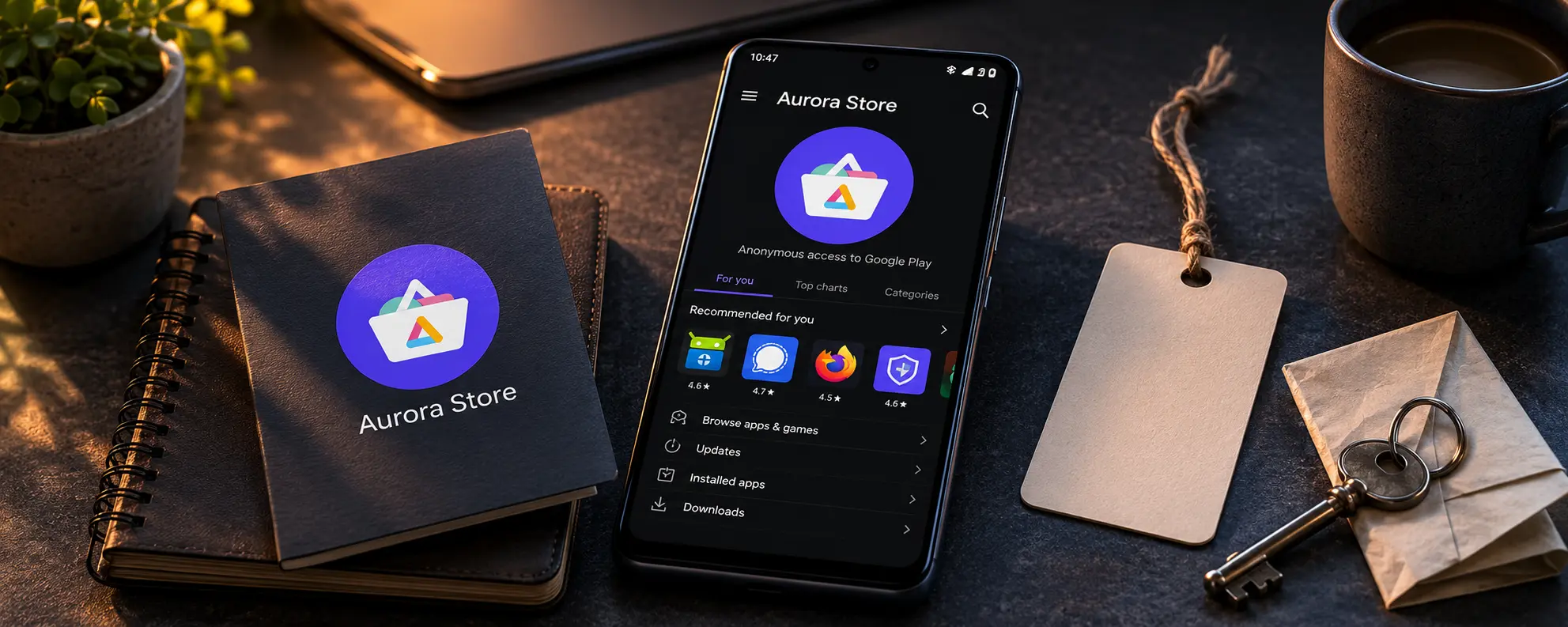
Aurora Store review
Who is this for? Android users who want to download apps from Google Play without linking a Google account to their device. Aurora Store is an anonymous Play client — not a replacement for Play, but a way to access the same catalogue without being signed in.
Aurora Store is open-source and free. There is no commercial company behind it profiting from your data, and the project is actively maintained.
What Aurora Store does
Aurora Store connects to Google’s Play servers using a throwaway Google account rather than yours. In “anonymous” mode it borrows a token from a shared pool — the token dispenser — that other users have donated from their own Google accounts. Your device talks to Google Play, but not under your name or account.
| Aurora Store | F-Droid | Obtainium | Google Play | |
|---|---|---|---|---|
| App selection | Millions (Play mirror) | ~4,000 (official) | Unlimited (GitHub/etc.) | Millions |
| Open-source required | No | Yes | Optional | No |
| Google account required | No (anonymous account) | No | No | Yes |
| Rebuilds apps from source | No | Yes | No | No |
| Tracker scan | No | Yes | No | No |
| Update speed | Fast (Play mirror) | Slower | Fast (direct from source) | Fast |
| Setup complexity | Low | Low | Medium | Low |
The security model
Aurora distributes APK files exactly as Play provides them — Aurora does not modify them. That is a positive property: the APK you install is the same one that millions of other Play users install. There is no additional manipulation step in the chain.
What Aurora does not do:
- Aurora does not scan for trackers.
- Aurora does not verify the APK signature before installation.
- Aurora distributes closed, proprietary apps — exactly the same apps as Play, including apps with trackers.
The anonymity model has limits:
Aurora connects via temporary Google account credentials, but your device still sends device signals to Google. Treat Aurora as “less Google account linkage”, not as “no Google telemetry”. On a stock Android device with active Google Play Services, anonymity is limited to the account — not to device identity.
On GrapheneOS or another de-Googled device without Google Play Services, the situation is different: Google has fewer ways to identify your device.
The anonymous mode is fragile:
The donated-token pool depends on people contributing tokens and on Google not mass-banning those dummy accounts. Anonymous login has gone offline more than once — including stretches in 2025–2026 where recent Aurora builds only offered “log in with your own Google account”. It usually comes back, but if you need Play apps reliably, do not assume anonymous mode will always be available. Google’s broader Play-API and developer-verification tightening puts continued pressure on this model.
Aurora Store vs. your own Play account
If you already have a Google account and are fine linking it to your device, the official Play Store is simpler and more stable. Aurora adds value when you:
- use a device without a Google account
- do not want to link an existing Google account to a new or de-Googled device
- want to download apps without your purchase or download history appearing on your Google account
Getting started
Installing
Aurora Store is available via F-Droid:
- Open F-Droid and search for “Aurora Store”
- Install the app
Or download the APK directly from auroraoss.com.
Starting an anonymous session
- Open Aurora Store
- At the login screen, choose Anonymous session
- Aurora automatically fetches a temporary account — you do not need to enter anything
Note: if the anonymous token pool is overloaded or offline (which happens), you can fall back to your own Google account. That is less privacy-friendly but always works.
Google Play Services not required
Aurora itself does not need Google Play Services. Apps you install through it may require them — that depends on the app itself, not on Aurora.
Caveats
No open-source requirement. Aurora distributes all Play apps, including closed apps with trackers. You get exactly the same as through Play — the apps are not curated or scanned.
Dependent on Google’s tolerance. Aurora’s anonymous mode relies on a pool of donated dummy Google accounts that Google can and does block. It has been offline for stretches in 2025–2026. For apps you need reliably, factor this in — you may have to fall back to your own account.
No APK verification. Aurora does not verify the APK signature before installation. The risk is limited — you are fetching from the same source as Play — but there is no extra verification layer.
Not suitable for banking apps. Most banking apps require Google Play Services and/or integrity checks that fail on de-Googled devices. Aurora does not solve this.
Pros and cons
Pros
- Full Play catalogue access without a Google account
- Open-source and free
- Works without Google Play Services on the device
- APKs are unmodified compared to Play — no extra manipulation step
Cons
- No open-source requirement — distributes closed apps with trackers
- Anonymity is limited: device signals still reach Google
- The anonymous token pool is fragile — offline for stretches in 2025–2026; you may have to use your own account
- No APK signature verification before installation
Conclusion
Aurora Store is the most accessible way to install Play apps without linking a Google account. It works well as a complement to F-Droid: F-Droid for open-source apps where transparency matters, Aurora for closed-source apps where you need Play but prefer not to sign in.
It is not a privacy solution in a broader sense — the apps themselves are unmodified and may collect data in the background. The gain is account decoupling, not data restriction.
Choose Aurora Store if you want to get Play apps without linking a Google account and you are working on a device without or with minimal Google services.
Next step
If you chose Aurora Store
- F-Droid review — for open-source apps: more transparent and without a Google dependency (though F-Droid itself faces Google’s developer-verification policy)
Similar options
- Obtainium review — fetch apps directly from the developer, faster than F-Droid
- Android privacy without a custom ROM — broader baseline settings for stock Android
Go further
- GrapheneOS first setup — Aurora and F-Droid on GrapheneOS, sandboxed Google Play and app isolation