Firewalla Gold SE review — plug-and-play firewall for home network
Who is this for? Home users who want serious network security without CLI or configuration files. If you want more control and don’t mind technical configuration, look at OPNsense on a Protectli Vault.
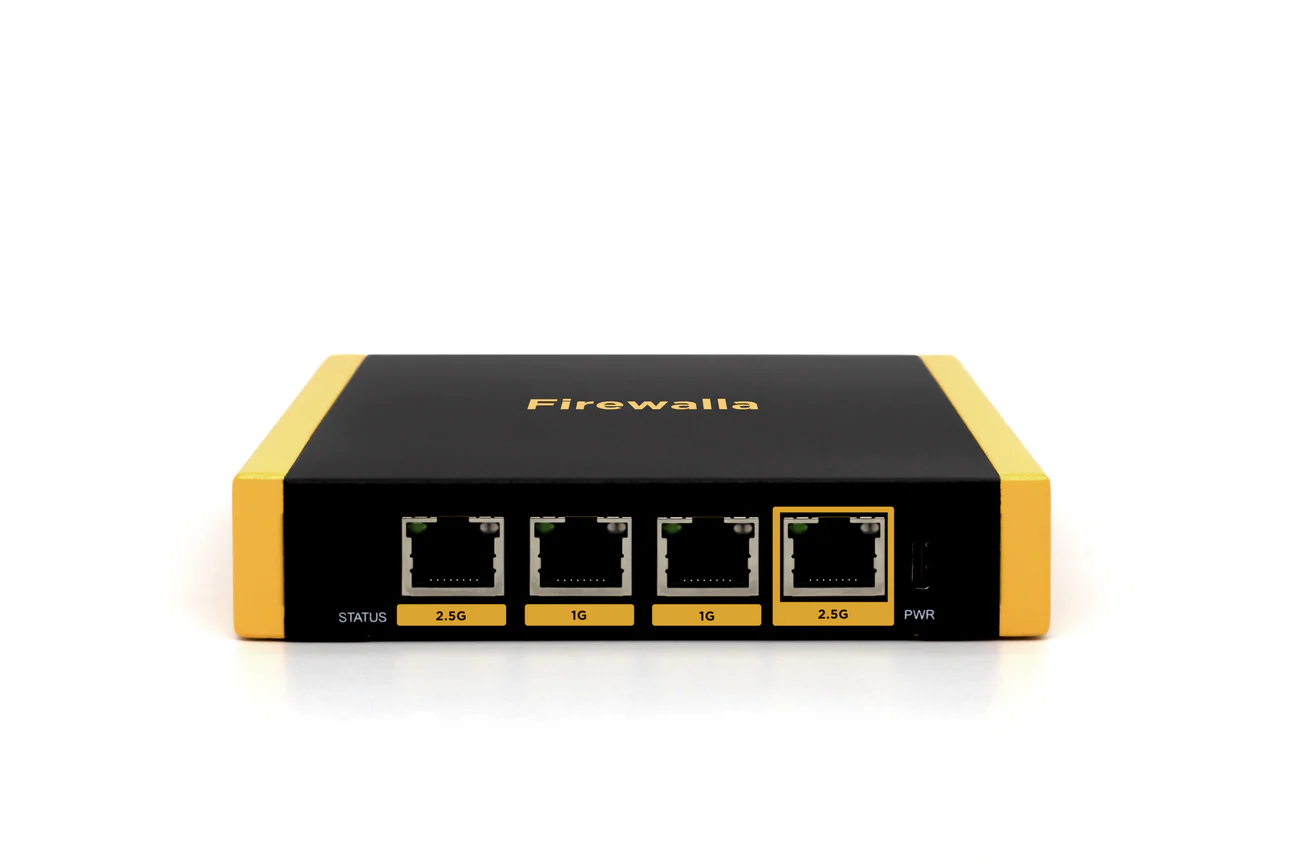
Firewalla Gold SE review
Who is this for? Home users who want serious network security without CLI or configuration files. If you want more control and don’t mind technical configuration, look at OPNsense on a Protectli Vault.
The original Firewalla Gold is discontinued. Firewalla now sells two successors in this segment: the Gold SE — the subject of this review, and positionally the closest match to the old Gold — and the Gold Plus, with more ports and higher throughput at a higher price. A short comparison between the two follows below.
Firewalla Gold SE is a compact network security device you place behind your router and manage via an app. No OpenWrt, no CLI, no configuration files. The target audience: people serious about network security but who don’t want to become network engineers.
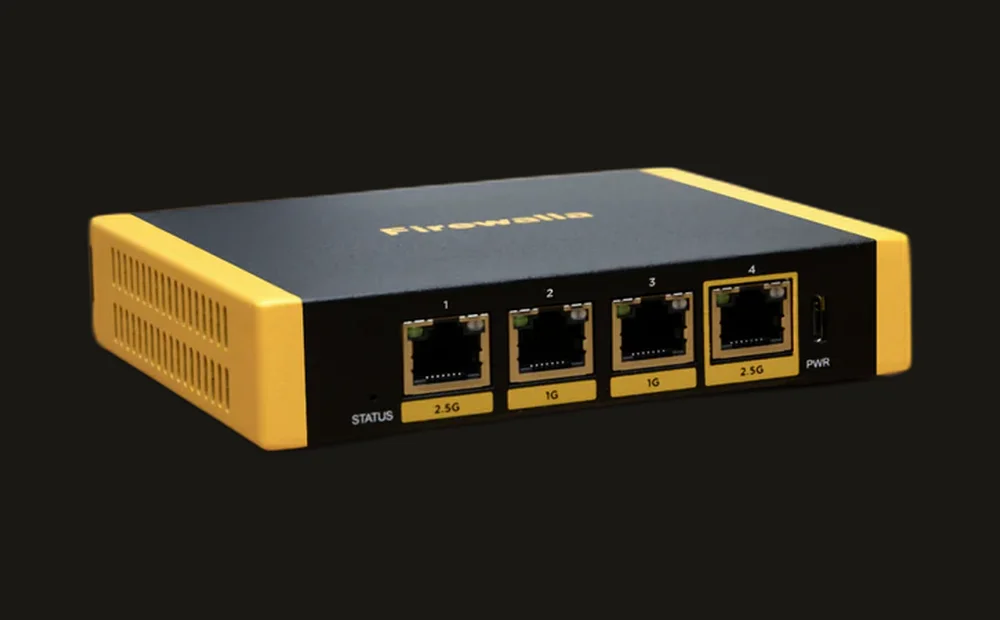
What Firewalla does
Firewalla works as an inline device — all traffic to and from your network passes through it. That makes the following possible:
Intrusion Detection (IDS): Firewalla analyses traffic patterns and warns of suspicious activity. If a device in your network suddenly connects to known malware servers, you receive a notification.
Ad and tracker blocking: DNS-based blocking for the entire network — all devices benefit, including smart TVs and gaming consoles.
Built-in VPN server: Firewalla can act as a WireGuard or OpenVPN server so you can securely log in from outside.
VPN client: Connect the entire network via WireGuard or OpenVPN to an external VPN provider (Mullvad, ProtonVPN, IVPN).
Device management: See every device on your network, block unknown devices, set rules per device or group.
Family filters: Block categories (gambling, adult content) per device or time period.
Specifications
| Property | Value |
|---|---|
| Model | Gold SE |
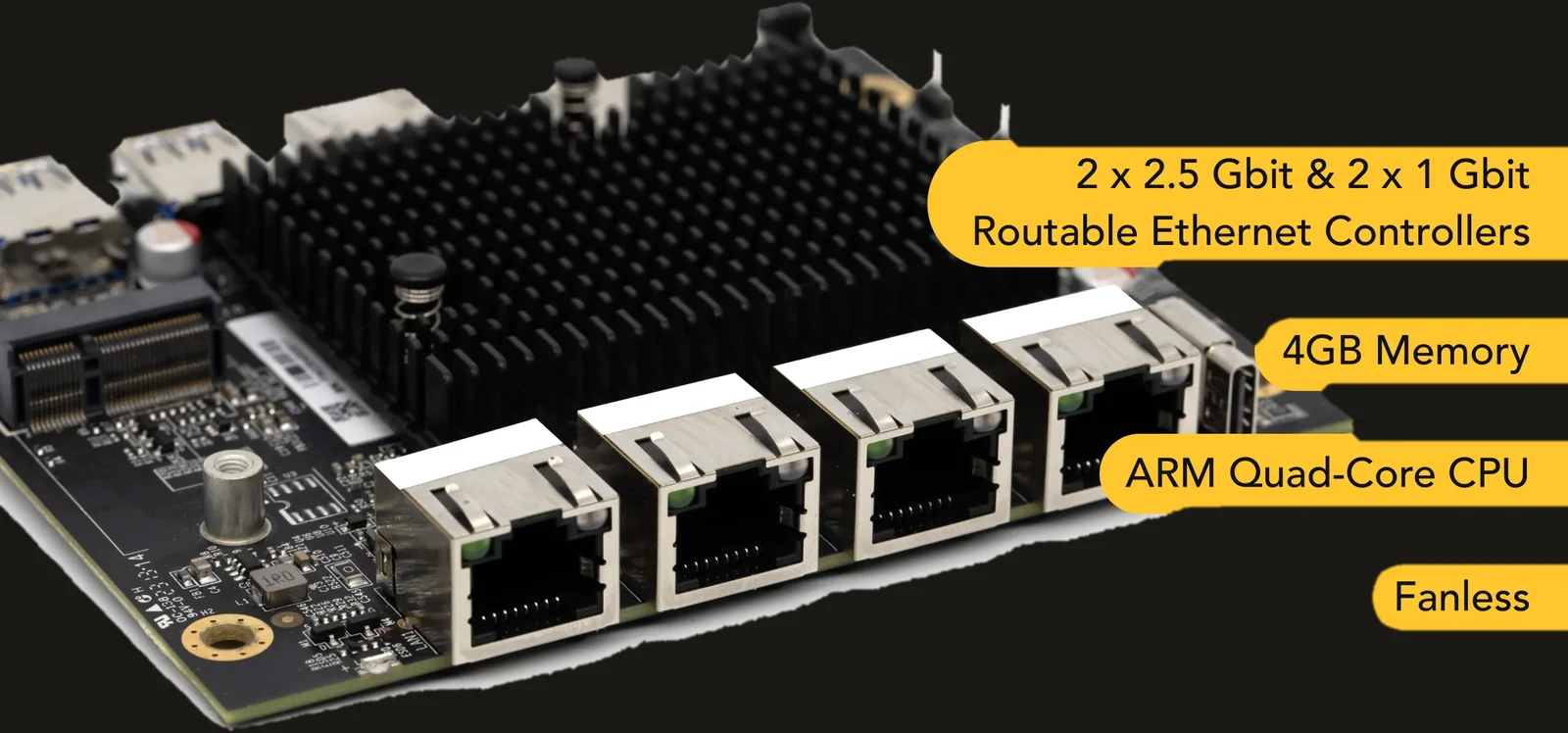
| Processor | ARM quad-core |
| RAM | 4 GB DDR |
| Storage | 32 GB |
| Ethernet | 2× 2.5G + 2× 1G |
| Packet processing | ~2 Gbps |
| WireGuard throughput | ~350 Mbps |
| OpenVPN throughput | ~100 Mbps |
| Operating system | Linux (Firewalla OS) |
| Management | iOS and Android app |
| Cloud dependency | Partial (app communication) |
| Price | $519 direct from Firewalla (see the import note below) |
Price and EU/import note: Firewalla has no EU warehouse — orders ship from the US. If you order it yourself, you’re the importer of record: expect to pay 21% Dutch VAT on top of the purchase price. Networking equipment is generally duty-free within the EU, but courier handling fees are common. All-in, budget for roughly €500–600 depending on exchange rate and shipping method — noticeably more than a flat USD-to-EUR conversion would suggest.
Need more ports or throughput? The Gold Plus has a quad-core Intel CPU, 4× 2.5G ports, ~5 Gbps packet processing, and ~500 Mbps WireGuard throughput, for $629 (same import situation as above). Worth it if you want to run a fast (500+ Mbps) internet plan fully through VPN, or need more ports than the Gold SE offers.
App management: strength and weakness simultaneously
The Firewalla app is the reason most people choose this device. Everything is visible and clickable — no terminal, no configuration files. You see live which devices are connecting, to what, and how much data they use.
Strong: Accessible. You have control without technical knowledge.
Weak: The app communicates with Firewalla’s cloud for remote management. You can also use the app locally, but for notifications and external access an account and cloud connection are required. This is a compromise compared to fully local solutions like OPNsense.
Comparison with GL.iNet and OPNsense
| Firewalla Gold SE | GL.iNet Flint 2 | Protectli + OPNsense | |
|---|---|---|---|
| Configuration | App | Web interface + CLI | Web interface + CLI |
| Technical level | Low | Medium | High |
| Intrusion detection | Yes | No | Yes (Suricata) |
| Built-in VPN server | Yes | Yes | Yes |
| Open-source | No | Yes (OpenWrt) | Yes (OPNsense) |
| Cloud dependency | Partial | No | No |
| Price | $519 (~€500–600 all-in) | Paid | ~€300–500 |
Who is Firewalla Gold SE for?
Good choice if:
- You want to take network security seriously without a technical background
- You want a device you install and forget until it reports something
- Family filtering or device management play a role
- Your budget is around €500–600 all-in (see the price note above)
Less suitable if:
- You want maximum transparency and control (OPNsense is better)
- You don’t want cloud dependency
- You already have a GL.iNet router — the overlap is large and the added value limited
- You want to fully use a fast (500+ Mbps) internet plan through VPN — look at the Gold Plus instead
Caveats
Not truly open-source: Firewalla OS is based on Linux but is not fully open-source. You cannot audit the internal workings like OpenWrt or OPNsense.
Cloud account required for full functionality: Some features (external notifications, management outside your network) only work with a Firewalla account. For a privacy device this is a tension.
No EU warehouse: you order directly from the US and pay VAT plus possible handling fees yourself — budget for this upfront, not as an afterthought.
One-time purchase: No mandatory monthly fee for standard features. That is an advantage over some competitors.
Pros and cons
Pros
- App-based management — no CLI, no configuration files required; accessible without a technical background
- Inline IDS monitors all traffic and warns of devices contacting known malware servers
- Built-in WireGuard and OpenVPN server and client — covers both remote access and full VPN routing
- One-time purchase with no subscription — app is free
- Family filtering with per-device and time-based rules
Cons
- Partial cloud dependency — notifications and external management require a Firewalla account; not fully local
- Not open-source — Firewalla OS is based on Linux but internal workings cannot be audited like OpenWrt or OPNsense
- No EU warehouse — you’re the importer and pay VAT and handling fees on top of the dollar price
- If you already have a GL.iNet router the feature overlap is large and the added value is limited
- Those wanting maximum transparency and control are better served by OPNsense
Conclusion
Firewalla Gold SE is the best choice in the “serious network security without technical knowledge” segment — provided you accept the US-import situation. The app is good, the intrusion detection works, and the VPN functionality is broad. The compromise is partial cloud dependency, no true open-source, and an all-in price that lands higher than the dollar sticker price suggests once VAT and shipping are added.
Those willing to accept a steeper learning curve usually get more transparency and flexibility from OPNsense on dedicated hardware.
Getting started
1. Connect inline
Place the Firewalla Gold SE between your modem/ONT and your router. Connect via ethernet and attach the power supply.
2. Install the app and pair
Download the Firewalla app (iOS or Android). Follow the setup wizard — the app detects the device automatically via your network. Create a Firewalla account to enable notifications and remote management.
3. Set your first rules
Enable DNS blocking from the dashboard (Adblock/Tracker block). The device list populates automatically with every device on your network. Assign devices to groups and configure per-device rules as needed.
Next step
Chosen Firewalla?
- Which network setup fits your profile? — Firewalla in the context of your overall network approach
Similar options
- Protectli Vault review — fully open-source alternative for those who want more control (OPNsense)
- GL.iNet Flint 2 review — home router for the technically inclined who don’t want a separate appliance
Want to go further?
- Network segmentation with VLANs — separating IoT, guest and main network