Qubes OS review — compartmentalisation for daily high-risk laptop use
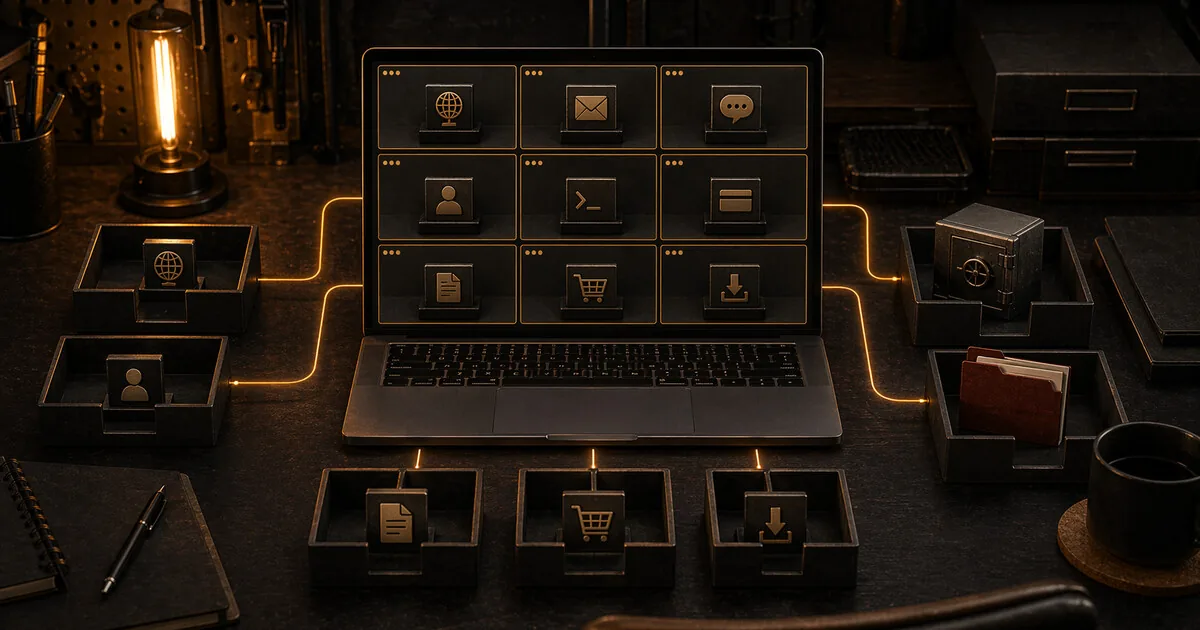
Qubes OS is a security-focused operating system that divides your digital life into isolated compartments called qubes, so a compromise in one doesn't spread to the rest of your system.
Qubes OS review
Qubes OS is a security-focused operating system that divides your digital life into isolated compartments called qubes, so a compromise in one doesn’t spread to the rest of your system.
Who is this for? Higher-risk readers who need clear daily separation between tasks, identities or trust levels on one laptop. Think journalists, activists, researchers or other targeted people who can also maintain compartmentalisation operationally. For most readers this is not a logical upgrade: first improve your current laptop, account security and browser behaviour, or choose a regular Linux route.
What makes Qubes OS different
Qubes OS uses virtualisation as the core of the system, not as an extra layer on top of a regular desktop. The project builds on Xen and lets you run different types of qubes with different trust levels.
In practice that can mean:
- a
workqube for normal work - a
personalqube for private activity - an
untrustedqube for questionable websites or downloads - a
vaultqube without network access for sensitive data or keys
All those windows appear on one desktop, but they remain technically separated. That makes Qubes more interesting than “I have a few separate VMs on Windows or Linux”, because in that setup the underlying host is still one large compromise surface.
Where Qubes is strong
Compartmentalisation for daily use Qubes is not meant for one anonymous session. It is for daily work with different risk zones on the same laptop. You do not need to buy a separate physical computer for every type of task to get serious separation.
Disposable qubes Qubes supports temporary, stateless qubes for tasks you want to open in a clean environment: untrusted links, unknown PDFs, suspicious images or a device you do not trust. The disposable qube is destroyed afterwards, so the contamination does not remain in your normal work environment.
Whonix integration If you need privacy or anonymity as well as security, Qubes works with Whonix. That matters because Qubes does not claim special privacy properties for regular non-Whonix qubes. For Tor-routed work or anonymity goals, Whonix still belongs in the story.
System tasks can be separated too Network and USB functions can live in separate qubes. That fits the core logic of Qubes: separate not only apps, but also sensitive system components where possible.
What it costs
This is not an “install and done” system.
Hardware requirements and compatibility Qubes asks noticeably more from hardware than a regular Linux distribution. The official documentation lists a 64-bit CPU with virtualisation support, 6 GB RAM and 32 GB free storage as minimum requirements. That is only the lower bound. In practice you need to check compatibility in advance, because not every laptop that runs Linux is a good Qubes machine.
Learning curve You need to understand why you put something in work, personal, vault or untrusted. Without that discipline, Qubes turns from a security gain into a complicated desktop with many extra steps and plenty of room for wrong assumptions.
More maintenance Templates, app qubes, disposables, network qubes, USB choices: the system rewards deliberate use, but punishes half-understanding. If you do not have a routine for keeping this clean, you are likely to fall back to convenience or do everything in one qube anyway.
Workflow friction Files, clipboard, devices and network access deliberately work less smoothly than on a regular laptop. That is the point of the isolation, but for many readers it makes daily use too heavy.
Qubes vs Tails vs Whonix vs regular Linux
| Qubes OS | Tails | Whonix | Regular hardened Linux | |
|---|---|---|---|---|
| Main purpose | Daily compartmentalisation | Amnesic temporary sessions | Persistent Tor workspace | Realistic daily desktop |
| Runs on | Bare metal laptop | USB live session | VMs | Bare metal laptop |
| Separation between tasks | Strong | Limited within session | Strong within Tor architecture | Limited, mostly through user behaviour |
| Tor by default | No | Yes | Yes | No |
| Learning curve | High | Low-medium | High | Low-medium |
| Suitable for most readers | No | No | No | Yes |
Choose Qubes if: you need serious daily separation between tasks or identities and one regular desktop is not enough.
Choose Tails if: you need to do a task that must leave no local traces, such as source contact, a sensitive upload or work on untrusted hardware.
Choose Whonix if: you want long-term Tor-routed work and IP isolation inside a persistent work environment is central.
Choose regular Linux if: you mainly want to move from Windows or macOS to a more manageable daily laptop without immediately maintaining a high-risk compartmentalisation system.
Hardware reality
Qubes is only a serious recommendation if the hardware actually fits.
Important:
- minimum specifications are not the same as a pleasant or stable experience
- compatibility varies more than with regular Linux
- the project points users to hardware documentation and compatibility lists to check what works before installing
Practically: do not install Qubes blindly on a random old laptop because it is “free”. Unsuitable hardware makes the system slow, unreliable or unusable, and then you lose exactly the discipline Qubes requires.
Caveats
Qubes is not an anonymity system by itself For privacy or anonymity, you still need to work deliberately with Whonix, Tor and behaviour. Qubes mainly helps with security through separation. It does not automatically make you invisible.
More technology is not automatically more security If you keep doing everything in one qube, never use disposables or do not maintain clear boundaries between identities, you get a lot of complexity without the real benefit.
Not for prestige use Qubes becomes the wrong choice as soon as you install it because it “sounds safest”, while your real problem is passwords, browser behaviour, account separation, phishing or unreliable habits.
Pros and cons
Pros
- Strong compartmentalisation for daily laptop use
- Disposable qubes for clean temporary tasks with untrusted content
- Whonix integration for situations where Tor-routed work is needed
- Separates not only apps, but also sensitive system functions such as network and USB layers
Cons
- High learning curve and clear maintenance burden
- Higher hardware requirements and more limited compatibility than regular Linux
- More daily friction around files, devices and workflow
- Overkill for most readers, which often makes it the wrong first step
Conclusion
Qubes OS is one of the strongest realistic options for daily laptop use with serious compartmentalisation. But that does not make it a general recommendation. It is good for readers who have a concrete need for separation and the hardware, discipline and routine to use that system well.
If you are unsure whether you need Qubes, you probably need a lighter step first. For anonymous tasks, Tails is usually more logical. For Tor-routed persistent work environments, Whonix is often the better first comparison. For most other readers, hardening a regular laptop or moving to Linux remains the more realistic choice.
Getting started
Qubes OS does not have a short setup guide — the installation and initial configuration take more than most tools on this site. The official documentation at qubes-os.org is the right place to start.
Check your hardware compatibility via the Qubes HCL (Hardware Compatibility List) before installing.
Next step
Chosen Qubes OS?
- Whonix review — add Whonix qubes for Tor-routed work with architectural IP isolation
Similar options
- Tails OS review — simpler for tasks that must leave no traces
- Which Linux distro to choose? — lighter daily laptop route for most readers
Want to go further?
- Profile: high risk — when this level of separation becomes proportionate