Privacy screen review — viewing angle protection for laptop, monitor, and phone
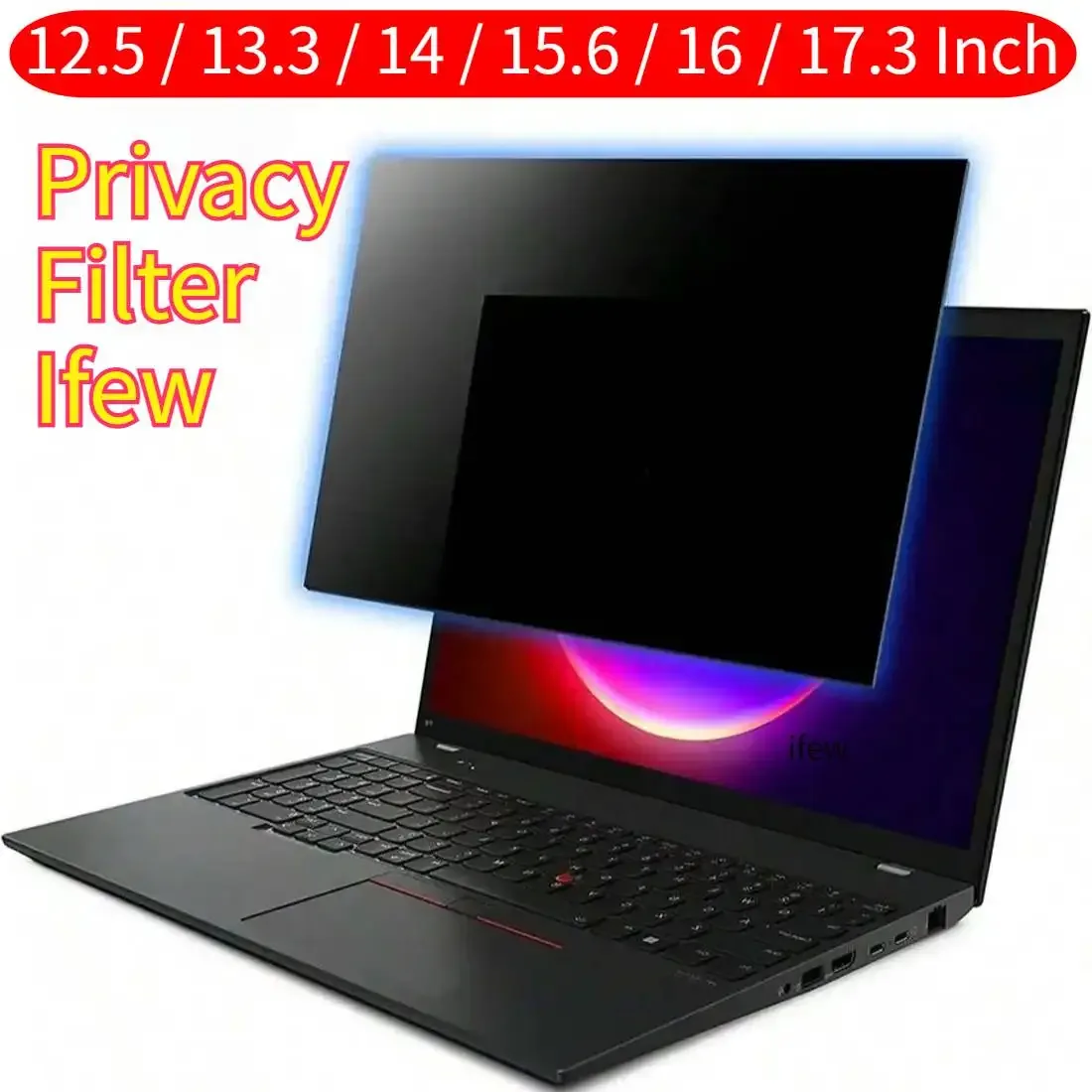
A privacy screen is a thin filter that goes over your laptop, monitor, or phone and makes the screen visible mainly to whoever sits directly in front of it. Standard viewing angle: around ±30 degrees. Outside that range someone sees a dark or mirrored screen.
Privacy screen review
A privacy screen is a thin filter that goes over your laptop, monitor, or phone and makes the screen visible mainly to whoever sits directly in front of it. Standard viewing angle: around ±30 degrees. Outside that range someone sees a dark or mirrored screen.
Who is this for? Anyone who regularly works in public places — trains, planes, open-plan offices — and doesn’t want others seeing their screen. A low-friction physical measure that requires no software or configuration.
Tested: the 14” and 15.6” laptop versions for brightness, viewing angle, and attachment. The phone version further down hasn’t been separately tested with a lux meter — see the caveat in that section.
How does a privacy screen work?
The filter consists of micro-louvers — microscopically small vertical slats that block light outside a certain angle. The same principle as a venetian blind: through straight ahead, blocked from the side.
The slats are built into a thin acrylic layer that attaches to the screen magnetically, with strips or loose placement.
What you notice in practice
Viewing angle:
| Position | Screen content visibility |
|---|---|
| 0° (straight ahead) | Fully visible |
| 15° angled | Slightly reduced contrast |
| 30° angled | Content barely readable |
| 45° angled | Screen appears black |
The maker claims ±30°. In practice that is a reasonable expectation. At 45° the screen usually looks black.
Brightness loss:
- 14” model: brightness drops to ~105 nit (~30% loss)
- 15.6” model: comparable result (~28% loss)
Most laptop screens compensate this with a higher brightness setting. On a sunny day outdoors this can be noticeable.
Specifications
| Property | 14” model | 15.6” model |
|---|---|---|
| Size | 14” (16:9) | 15.6” (16:9) |
| Viewing angle | ±30° | ±30° |
| Attachment | Magnetic + adhesive strips | Magnetic + adhesive strips |
| Surface | Matte anti-reflection | Matte anti-reflection |
| Thickness | ~0.4 mm | ~0.4 mm |
| Price | Around entry-level price range | Slightly higher, depending on seller |
Attachment
The screens come with small magnetic strips you stick to the top of your laptop screen. The privacy filter then clips on magnetically. Removing and reattaching works without issues.
Alternative: adhesive strips for monitors without a bezel. Less elegant, but solid.
Check the size: Measure your screen before ordering. 14” and 15.6” refer to the diagonal — width and height can vary slightly between manufacturers. See the product page for exact dimensions.
Privacy screen for your phone
The same principle exists for phones — usually built into a tempered-glass screen protector instead of a thin acrylic layer. You get a privacy filter and scratch/drop protection in one product.
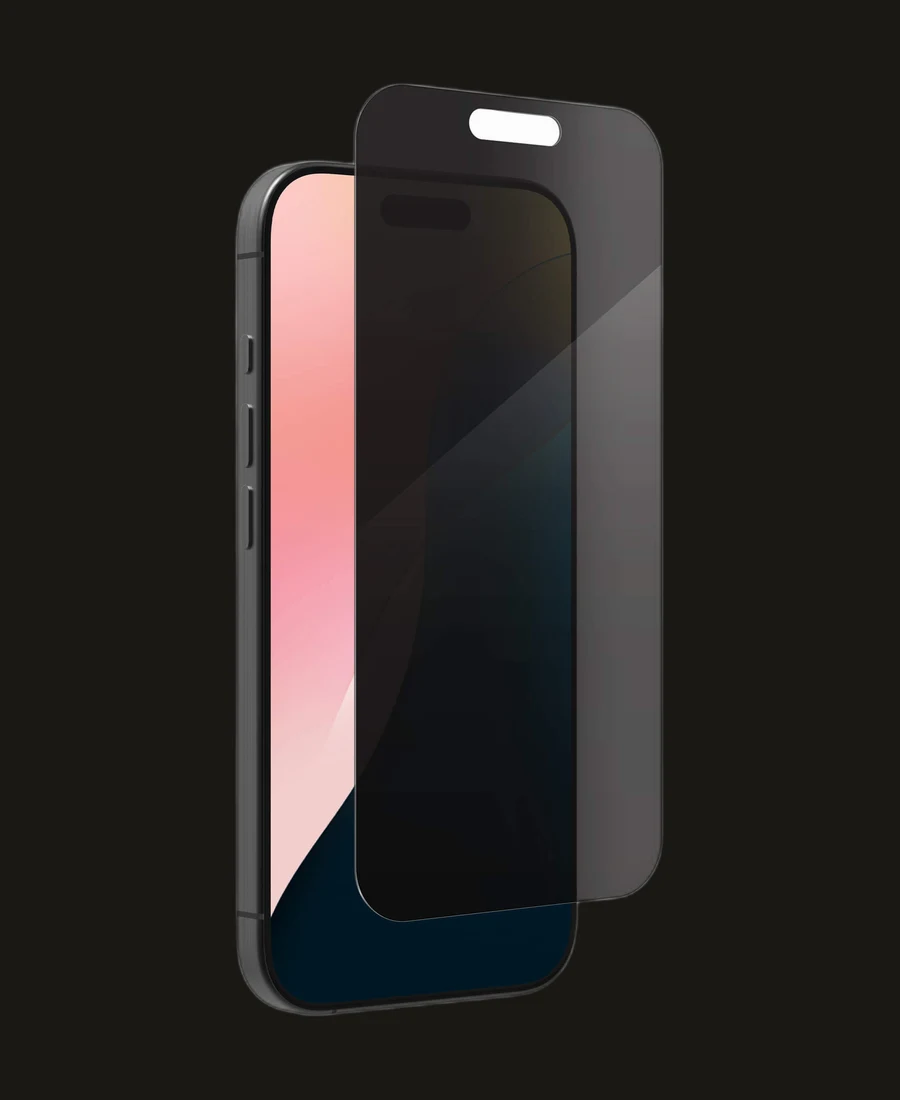
Difference from the laptop version:
- Attachment: fixed adhesive with an alignment tray, instead of magnetic. Right after placement you can still correct it, but once the adhesive cures (often within a day) removing and repositioning is no longer possible without a new protector.
- Material: tempered glass instead of a thin acrylic layer — thicker, with extra screen protection as a side effect.
- Case compatibility: not every screen protector fits well with a case that has a raised edge — check this before ordering.
Caveat: the viewing-angle and brightness measurements above are specific to the tested 14” and 15.6” laptop models. Phone privacy-screen manufacturers claim a wide range of viewing angles — often around 28° on the strictest (“2-way”) variants up to 45° on wider (“4-way”) variants — but this article hasn’t independently tested a specific phone model with a lux meter. Treat those claims with the same scepticism this review recommends elsewhere.
When do you use this?
- Public transport: train, bus, plane — unknown person sitting next to you
- Open office or coworking: colleagues behind or beside you
- Café or library: working with sensitive information in public spaces
- Meetings: screen not visible to people beside you
When less useful:
- Home office alone
- Presentations (you actually want others to see the screen)
Caveats
Colour accuracy: Matte surface slightly dampens colours. Designers and photographers needing accurate colour reproduction will notice this. For text work and code it is not relevant.
Fingerprints: The matte surface attracts fingerprints if you touch the screen (touchscreen or cleaning). The included microfibre cloth works well.
Size check: Not every screen with a 14” diagonal has the same housing dimensions. Check the exact dimensions on the product page.
Pros and cons
Pros
- Viewing angle of around ±30° blocks shoulder surfing effectively
- Magnetic attachment is easy to apply and remove
- Works for 14” and 15.6” laptops, often at a relatively low price
- Matte anti-reflection surface
Cons
- Brightness loss of around 30% is noticeable, especially outdoors or on dim screens
- Matte surface dampens colours, which is less suitable for colour-critical work
- Fingerprints show up on the matte surface when touched
- You need to check sizing carefully; not every 14-inch screen has the same outer dimensions
Conclusion
Privacy screens do what they promise. A viewing angle of around ±30° is enough to make shoulder surfing much harder in public spaces. The brightness loss is noticeable but usually acceptable because most screens can compensate with higher brightness.
For anyone regularly working with sensitive information outside the office or home, this is a sensible purchase.
Next step
Got a privacy screen?
- Increase screen brightness by around 30% to compensate for the brightness loss
Similar options
- RFID-blocking wallet review — contactless card protection while travelling
- USB data blocker review — protection when charging at public points
Want to go further?
- The normal baseline — which security measures match your use