Bitwarden review — open-source password manager
Bitwarden is the most recommended open-source password manager. Zero-knowledge architecture, self-hosting possible, free for personal use.
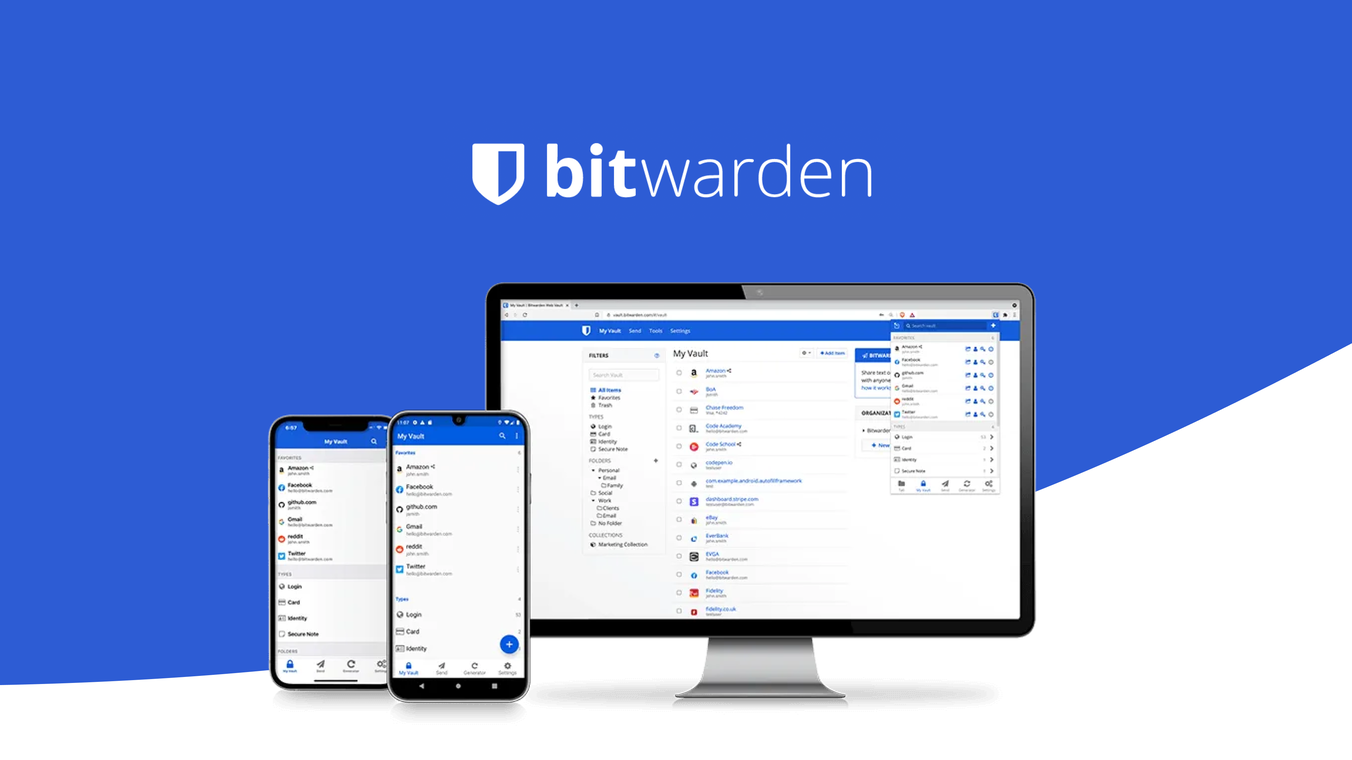
Bitwarden review
A password manager is not a luxury but a basic requirement for digital security. Bitwarden is the open-source choice recommended by privacy communities: zero-knowledge, auditable and free for personal use.
Why a password manager?
Without a password manager, most people use the same password across multiple services, or variations of it. One data breach at a service then means you’re vulnerable everywhere.
A password manager generates unique, random passwords per service and remembers them for you. You only need to remember one strong master password.
Zero-knowledge architecture
Bitwarden uses zero-knowledge encryption: your passwords are encrypted on your device before being sent to the servers. Bitwarden’s servers only store encrypted data — they cannot read your passwords, even if they wanted to.
The only thing that unlocks the vault is your master password, which never leaves your device.
Specifications
| Property | Value |
|---|---|
| Encryption | AES-256-bit + PBKDF2 SHA-256 |
| Open-source | Fully (client + server) |
| Self-hosting | Yes (Vaultwarden or official server) |
| Browser extensions | Chrome, Firefox, Safari, Edge, Brave |
| Mobile | Android, iOS |
| Desktop | Windows, macOS, Linux |
| 2FA support | TOTP, YubiKey, FIDO2 |
| Audits | Cure53 (2018), independent security audits |
| Free tier | Yes — unlimited passwords, all devices |
| Premium | €10/year — 2FA codes, 1GB file attachments, vault health reports |
Free vs premium
Bitwarden’s free version is more generous than the paid version of most competitors:
- Unlimited passwords
- Sync across unlimited devices
- All browser extensions and mobile apps
Premium (€10/year) adds:
- Store TOTP 2FA codes in Bitwarden itself
- 1 GB encrypted file attachments
- Vault Health Reports (reused passwords, weak passwords, breached passwords)
- YubiKey and FIDO2 hardware 2FA for the vault itself
For most people the free version is sufficient.
Self-hosting
Bitwarden’s server code is open-source. You can run the full vault on your own server — no data on Bitwarden’s servers. The most popular option is Vaultwarden, a lightweight Rust implementation of the Bitwarden API that fits on a Raspberry Pi or small VPS.
Self-hosting means: you manage the backups, you manage the updates. For advanced users the most privacy-friendly option.
Comparison with alternatives
| Bitwarden | 1Password | LastPass | KeePassXC | |
|---|---|---|---|---|
| Open-source | ✅ | ❌ | ❌ | ✅ |
| Cloud sync | ✅ | ✅ | ✅ | DIY |
| Self-hosting | ✅ | ❌ | ❌ | Local |
| Free tier | ✅ (full) | ❌ (14 days) | ❌ (limited) | ✅ |
| Paid price | €10/year | €3/month | €3/month | Free |
| Had a data breach | No | No | Yes (2022) | N/A |
LastPass had a serious data breach in 2022 where encrypted vaults were stolen. Not recommended.
Migration from other managers
Bitwarden can import from LastPass, 1Password, KeePass, Chrome, Firefox and dozens of other formats. Migration takes less than 10 minutes in most cases.
Caveats
Forgetting master password = losing everything. Zero-knowledge also means: no recovery option via Bitwarden. Write your master password on paper and store it safely (separate from your devices).
Bitwarden as 2FA storage: You can store TOTP codes in Bitwarden (premium), but this combines password and 2FA in the same vault. If your vault is compromised, both factors are gone. Use Aegis separately for 2FA if you want to get the maximum out of two-factor authentication.
Conclusion
Bitwarden is the best choice for most people switching from no or a closed password manager. Open-source, completely free for personal use, well audited. There is no good reason to choose LastPass or a closed alternative.
See also:
- Two-factor authentication guide — setting up 2FA alongside your password manager
- Aegis Authenticator review — open-source 2FA app for Android
- Security without buying anything — Bitwarden as a free first step
- Threat profile: stalking or domestic abuse — password management when leaving a dangerous situation
- Threat profile: family and children — shared vault and account management for children
- Threat profile: healthcare worker — patient data and professional secrecy require strong passwords