Sandboxed Google Play on GrapheneOS: how does it work?
The most common question about GrapheneOS: “Can I still use my apps?” The answer is nuanced — which is exactly why this article exists.
Sandboxed Google Play on GrapheneOS: how does it work?
The most common question about GrapheneOS: “Can I still use my apps?” The answer is nuanced — which is exactly why this article exists.
Who this guide is for
This guide is mainly for GrapheneOS users who are deciding whether app compatibility is a good reason to install sandboxed Google Play.
It fits especially:
- readers who want GrapheneOS but still need some banking, work, transport, or mainstream apps
- users comparing a lighter transition path against a stricter no-Google setup
- people who want to understand the compromise before installing anything
If you already know you want a no-Google setup and are willing to live within open-source alternatives, you probably do not need this page in detail.
What you gain, and what it costs
If you install sandboxed Google Play, you usually gain:
- access to a much wider set of mainstream apps
- fewer compatibility surprises in daily use
- a more realistic transition path from stock Android to GrapheneOS
But it also costs something:
- some continued data sharing with Google
- more trust in an ecosystem you may be trying to reduce dependence on
- more temptation to keep every mainstream default rather than deciding deliberately
For many readers this is still a reasonable trade. It becomes overkill only when “maximum de-Google” is your actual goal and you are installing Play mainly out of habit rather than need.
Regular Google Play vs. sandboxed Google Play
On a standard Android phone, Google Play Services has near-unlimited system access. It runs in the background, has access to location, contacts, microphone and more — even when you are not using the Play Store itself. This is not a bug, it is by design.
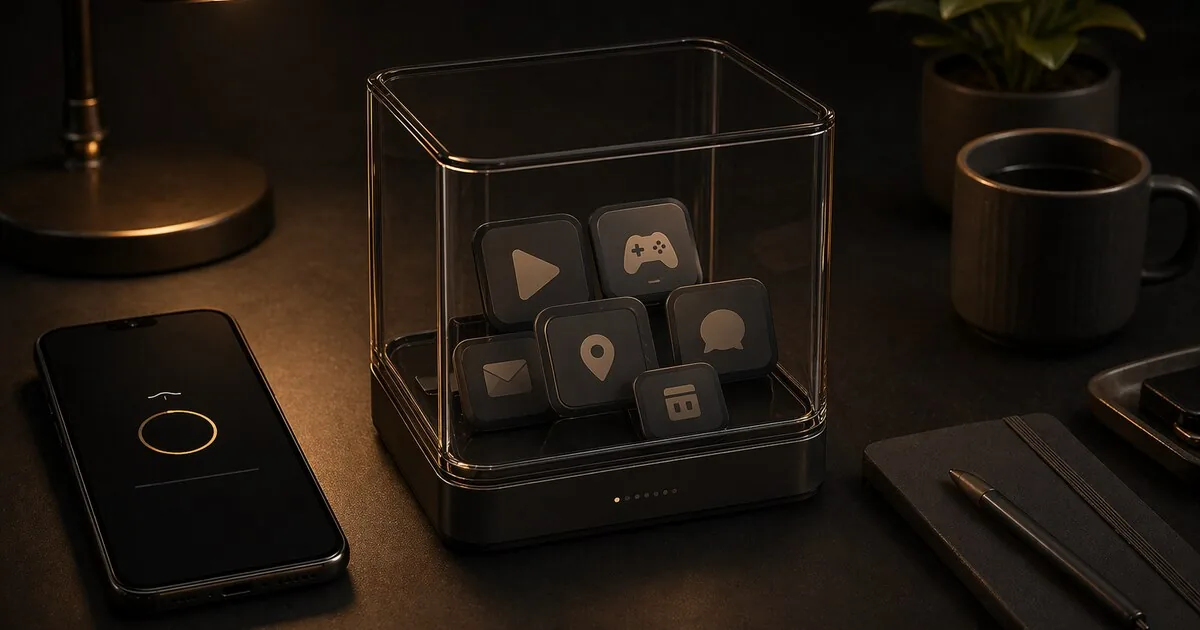
Sandboxed Google Play runs as a regular app in an isolated environment. It has no special system privileges. It can only see what you explicitly permit — just like any other app on GrapheneOS.
What it can do: install apps, download updates, relay push notifications. What it cannot do: collect location data in the background without your permission, access other apps or system data.
Banking apps: do they work?
Mostly yes. Many banking apps work with sandboxed Google Play.
ING, ABN AMRO, bunq, SNS, ASN and Knab work via sandboxed Google Play without any workaround, commonly reported by the GrapheneOS community. DigiD also works. Rabobank is trickier: the app now uses the Play Integrity API, so it can no longer be installed from the Play Store itself on GrapheneOS — but installing it via Aurora Store still works.
Treat individual app compatibility as something that can change over time. Do not assume that a bank app that worked a few months ago still works unchanged today.
There are exceptions. Some apps use the Google Play Integrity API or similar checks. Compatibility can change by app version, GrapheneOS release, or backend policy. Some apps can also support GrapheneOS via the standard Android hardware attestation API, which does work. A few European banks have already done this, but Play Integrity adoption is growing faster than the shift to hardware attestation.
If a banking app refuses to start: check whether the app is up to date, and check the GrapheneOS community for the current status of your app.
Alternatives to Google Play
F-Droid
Open-source apps, no account required, no tracking. The selection is more limited than Google Play but still covers many privacy-friendly alternatives.
Note: Google is rolling out mandatory developer verification for apps on certified Android devices starting September 30, 2026 — including for sideloading and alternative stores. That first phase only applies to users in Brazil, Indonesia, Singapore, and Thailand; the global rollout (including NL/EU) is planned for 2027. Google says sideloading itself isn’t going away: an “advanced flow” will remain to install apps from unverified developers, plus a free limited-distribution account for hobbyists (up to 20 devices, no ID required). F-Droid is opposing the requirement, and how it will apply to alternative stores is still uncertain. Follow f-droid.org for updates.
Aurora Store
An open-source client that downloads apps from Google Play without your own Google account. Useful, but not a full substitute for sandboxed Google Play when apps depend on Play Services, DRM, or stricter integrity checks.
Direct APK installation
For apps that offer an official APK, you can install directly from the developer. This bypasses the Play Store entirely, but only works for apps that support direct distribution well.
When should you install sandboxed Google Play?
- You need apps that are genuinely not available any other way
- Your banking app does not work via Aurora
- You want a normal Android experience with better security than stock
When should you not install it?
- You want maximum isolation from Google services
- You are willing to use open-source alternatives for all functionality
- You accept that some apps will not work
The trade-off, stated plainly
Sandboxed Google Play is a compromise. It is significantly more secure than regular Google Play, but you are still sharing data with Google — less than before, but not zero. If Google is part of your threat model, do not install it.
If your threat model is about advertisers, data breaches and general tracking — sandboxed Google Play is fine. It is a realistic middle ground between fully open and fully closed.
You can always install it, test it, and remove it again. GrapheneOS makes that easy.
Next step
Go further
- Profiles on GrapheneOS — decide where to isolate Google-dependent apps
- GrapheneOS first setup — settings before this step
- F-Droid: apps without Google — open-source apps without Play