What this router ban reveals about real router security
Why flags and brand familiarity are weak shortcuts for router trust, and why behavior, exposure, and control usually matter more.
18 April 2026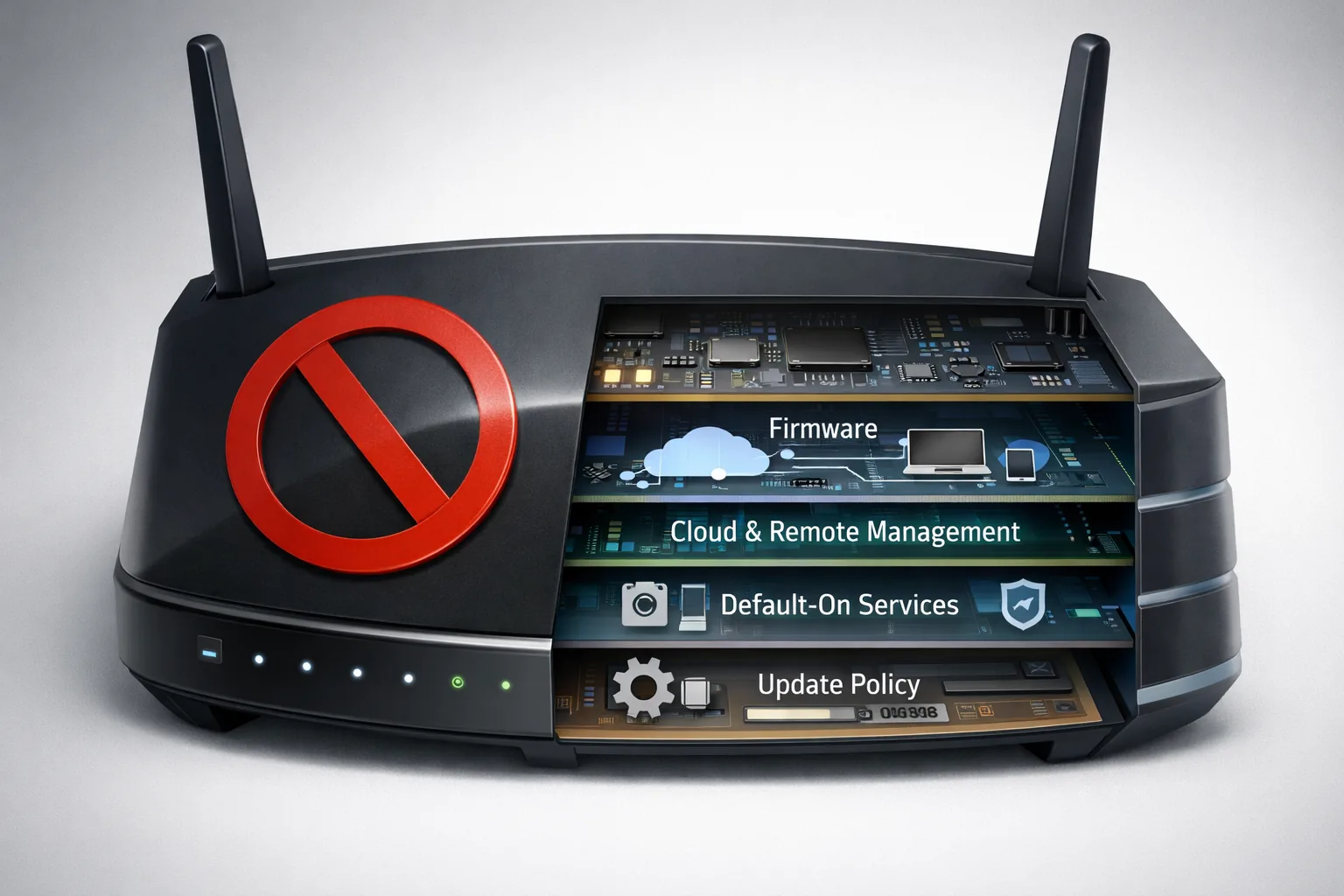
What this router ban reveals about real router security
Why flags and brand familiarity are weak shortcuts for router trust, and why behavior, exposure, and control usually matter more.
New political pressure on foreign-made routers exposes a mistake that governments and ordinary buyers both make: router security gets reduced far too quickly to the flag on the box.
That is not entirely irrational. Country of origin can matter for supply chains, state pressure, and geopolitical dependency. But for someone trying to judge a router at home or in a small office, that is still not a complete trust model.
The more useful question is simpler and more direct:
What does this device actually do once it is online, and what can I turn off?
For the user, that is usually a better starting question than origin alone.
The recent U.S. pressure on foreign-made routers mainly shows how attractive visible shortcuts are. It is easier to point at a company or a country than at a mix of firmware choices, cloud dependency, remote access, update policy, and support horizon. But in practice, that lower layer is exactly where the difference often emerges between a router you can reasonably trust and one that mostly adds unnecessary surface.
You see the same problem with consumers. It is not just governments that reach for proxies. Buyers do the same thing through brand comfort. A router feels safe because the brand is familiar, comes from a politically comfortable country, or has a polished reputation among tech enthusiasts. Those are signals too, but they are not technical end answers.
That is why ASUS is a useful counterexample in this story. ASUS is not the same story as TP-Link. In several respects, ASUS is a stronger product class than many cheaper router vendors. Its firmware culture is more visible, its reputation is better, and it is not surprising that many users place more trust in it.
But that is still not an exemption from risk. The ASUS cases around AiCloud and later router campaigns show that even a relatively trusted vendor can run into serious problems when remote access, cloud-facing features, and internet-exposed extras add more surface than the user actually needs. That does not mean all brands are the same. It only means that brand trust is worth something only if it survives contact with the surface you are actually exposing.
What usually matters more
With routers, the real question usually sits lower in the stack:
- Is the device running closed firmware or something more inspectable?
- Are cloud dependencies mandatory or optional?
- Which services are exposed to the internet?
- Can remote access and other extras be disabled easily?
- How clear is the update path?
- How long is the model supported?
- Do you retain control, or mostly inherit whatever the vendor decided?
These are not glamorous buying signals. But they are the variables that usually decide whether a router is mainly a network appliance, or a bundle of extra dependencies you keep having to trust.
GL.iNet shows the other side of the same mistake. Many readers will instinctively see a Chinese vendor as more suspicious. That reaction is understandable as a geopolitical reflex. But technically, the evaluation still has to begin after that.
The relevant questions stay the same:
- what is the firmware based on?
- how much control do you keep?
- what can you disable?
- how inspectable is the system in practice?
GL.iNet is not automatically safe because it leans on OpenWrt. That would just be another shortcut. The useful lesson is smaller and stronger: a router’s origin does not automatically tell you how controllable or inspectable it really is.
Behavior first, tools second
This is where PrivacyGear arrives at the same principle it uses everywhere else: behavior first, tools second.
A router is not safe because the brand feels good. A router gets safer when you turn off unnecessary features you do not need. That includes cloud management, remote access, internet-facing file sharing, and all kinds of “smart” extras that promise convenience while also asking for more trust and creating more surface.
A good product is therefore not the product that asks for blind trust. A good product is the one that still makes sense after you disable the layer you do not need.
That is also why the question “which router brands are good and without flaws?” ends up being the wrong question. There are no flawless brands. There are brands, models, and firmware approaches that handle flaws better, update more clearly, give you more control, and build in fewer unnecessary dependencies. That is a much more useful distinction.
Practical checklist
The practical translation for readers is straightforward:
- Which features are enabled by default?
- Which of those talk to the internet?
- Which ones can I disable without real loss?
- How do updates work?
- How long is this model supported?
- What remains after I strip away the unnecessary convenience layer?
That often gives a more honest picture of router security than brand comfort or geopolitical marketing.
Stopping point
If you already own a router that works fine, your first move is often not replacement but simplification:
- update the firmware
- disable remote features you do not use
- remove unnecessary cloud dependency where possible