USB data blocker review — protection against juice jacking
A USB data blocker costs less than €10 and protects your phone against juice jacking at public charging points. Tested: does it actually block the data pins?
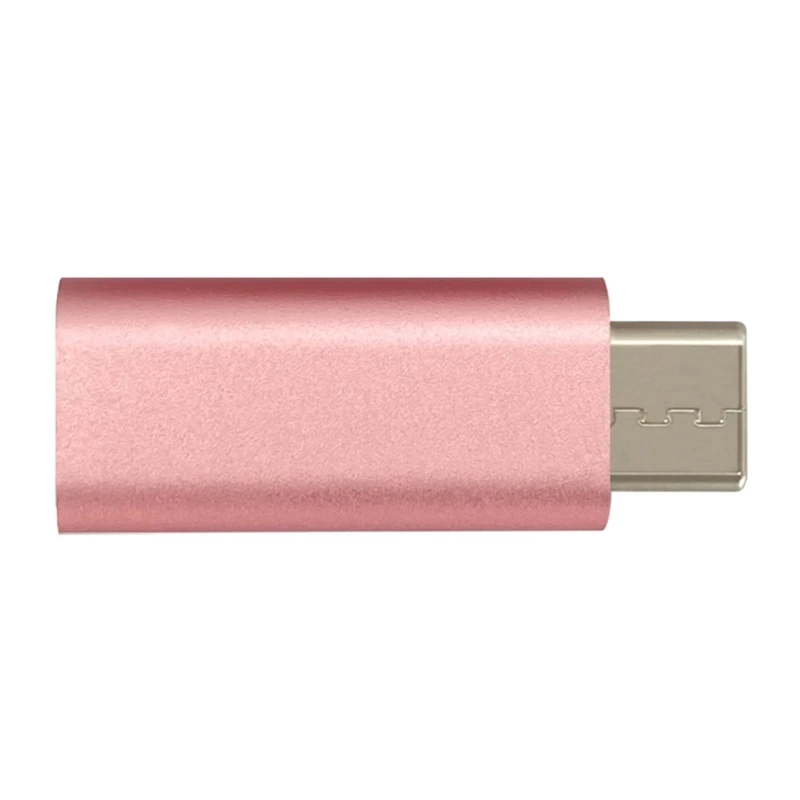
USB data blocker review
A USB data blocker is a small adapter you place between your cable and a public charging point. It passes power but physically blocks the data pins. The reason: juice jacking.
What is juice jacking?
A USB port has four pins: two for power, two for data. Public USB charging points at airports, train stations and hotels can — in theory and in practice — use the data pins to install malware or copy files while you charge.
The FBI Cybercrime team has been actively warning about this since 2023. Cases have been documented in hotel rooms and lounge charging stations. The attack requires manipulated hardware or a manipulated charging cable.
A data blocker makes the attack physically impossible: there is no data connection, only power.
How does it work?
Our USB-C data blocker has the D+ and D- data pins internally disconnected. Only the VBUS (power) and GND (ground) pins are connected. Your phone recognises the connection as “charger only” — no file transfer, no sync, no data connection possible.
Our test with a USB meter:
- Power passed: ✅ (5V, up to 3A depending on charger)
- Data passed: ❌ (computer does not recognise a device when data blocker is placed)
- Charging speed with blocker: identical to without at standard 5W charging
For fast charging (USB-PD, Quick Charge), the blocker only works if it supports PD negotiation. Our version supports USB-PD — the phone charges at the maximum speed the charging point provides.
Specifications
| Property | Value |
|---|---|
| Connector | USB-C (both sides) |
| Data pins | Physically disconnected |
| Power throughput | Up to 100W (USB-PD) |
| Dimensions | ~30 × 12 × 8 mm |
| Weight | ~5g |
| Price | €7.95 |
When do you use this?
- Public USB charging points (airport, train station, hotel, café)
- Charging cables of unknown origin (hotel room, conference)
- Shared workspaces where you don’t control the charging points
When not needed:
- Your own charger at your own wall socket
- Your own power bank
- A wall socket where you use a separate USB charger (socket delivers no data)
Alternative: charge-only cable
There are also “charge-only” cables with physically absent data pins. Disadvantage: you then have no cable for file transfer. A data blocker is more flexible — use your normal cable and add protection where needed.
Caveats
Thunderbolt / USB4: Data blockers don’t work with Thunderbolt or USB4 devices that need high bandwidth. For normal phone and tablet chargers this is not an issue.
Not all risks are juice jacking: A manipulated charger can also cause problems via the power side. A data blocker only protects against data attacks, not hardware power manipulation.
Conclusion
For €7.95 you eliminate a documented attack vector completely. Small, lightweight, works without configuration. One goes in the travel bag next to the GL.iNet Beryl AX — same category: minimal effort, significant risk reduction.
See also:
- Which network setup fits your threat profile? — broader network protection while travelling
- Setting up a GL.iNet travel router — VPN for all your devices on public networks