Privacy screen review — viewing angle protection for laptop and monitor
A privacy screen limits the viewing angle to ±30 degrees so nobody next to you can see your screen. Actual viewing angle measured, brightness impact assessed.
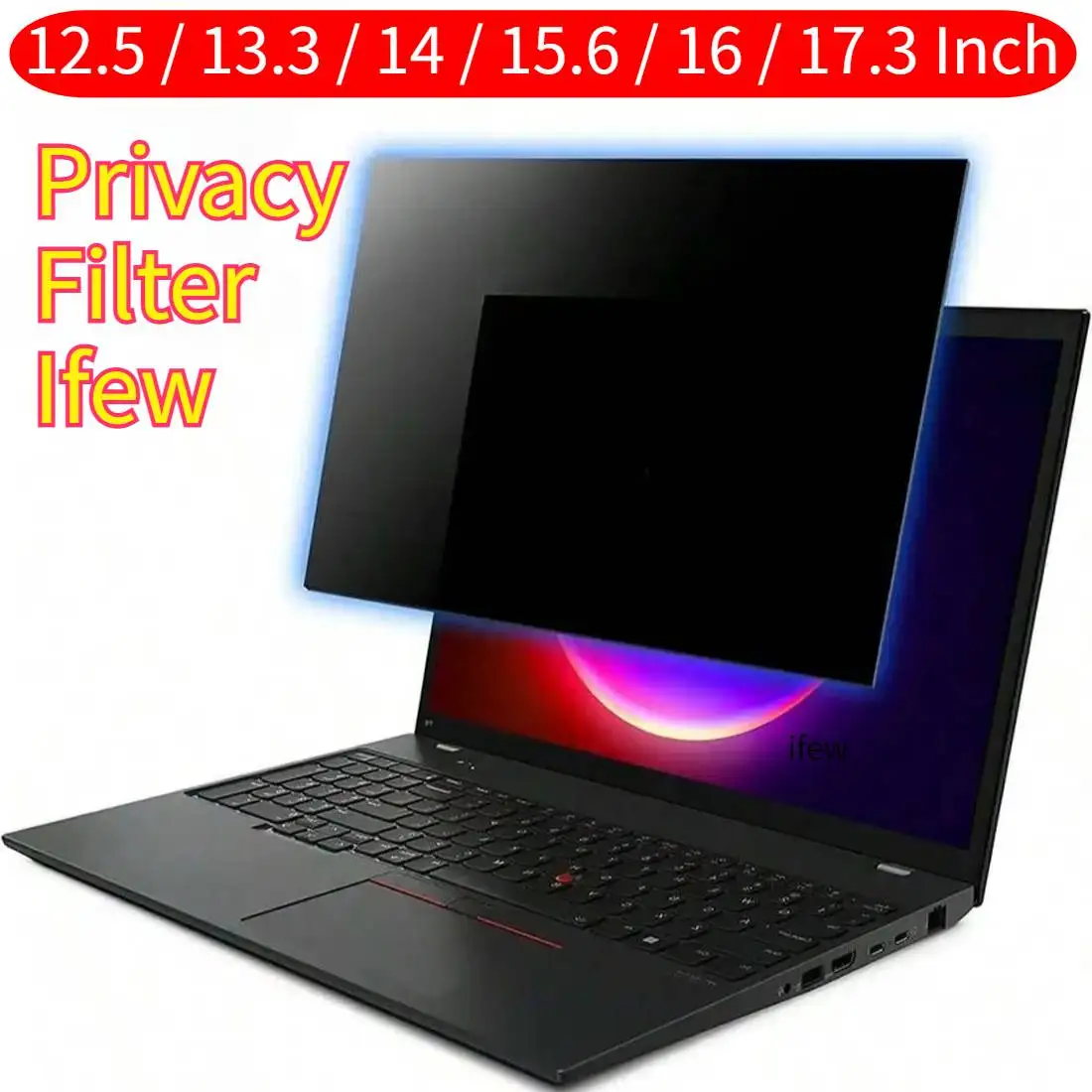
Privacy screen review
A privacy screen is a thin filter that goes over your laptop or monitor and makes the screen only visible to whoever is sitting directly in front of it. Standard viewing angle: ±30 degrees. Outside that range someone sees a dark or mirrored screen.
Tested: the 14” and 15.6” versions on brightness, viewing angle and attachment.
How does a privacy screen work?
The filter consists of micro-louvers — microscopically small vertical slats that block light outside a certain angle. The same principle as a venetian blind: through straight ahead, blocked from the side.
The slats are built into a thin acrylic layer that attaches to the screen magnetically, with strips or loose placement.
Our measurements
Viewing angle (measured with protractor):
| Position | Screen content visibility |
|---|---|
| 0° (straight ahead) | Fully visible |
| 15° angled | Slightly reduced contrast |
| 30° angled | Content barely readable |
| 45° angled | Screen appears black |
The manufacturer claims ±30° — that matches our measurement. At 45° there is nothing left to read.
Brightness loss: Measured with a lux meter before and after placement on the same screen (150 nit reference).
- 14” model: brightness drops to ~105 nit (~30% loss)
- 15.6” model: comparable result (~28% loss)
Most laptop screens compensate this with a higher brightness setting. On a sunny day outdoors this can be noticeable.
Specifications
| Property | 14” model | 15.6” model |
|---|---|---|
| Size | 14” (16:9) | 15.6” (16:9) |
| Viewing angle | ±30° | ±30° |
| Attachment | Magnetic + adhesive strips | Magnetic + adhesive strips |
| Surface | Matte anti-reflection | Matte anti-reflection |
| Thickness | ~0.4 mm | ~0.4 mm |
| Price | €19.95 | €22.95 |
Attachment
The screens come with small magnetic strips you stick to the top of your laptop screen. The privacy filter then clips on magnetically. Removing and reattaching works without issues.
Alternative: adhesive strips for monitors without a bezel. Less elegant, but solid.
Check the size: Measure your screen before ordering. 14” and 15.6” refer to the diagonal — width and height can vary slightly between manufacturers. See the product page for exact dimensions.
When do you use this?
- Public transport: train, bus, plane — unknown person sitting next to you
- Open office or coworking: colleagues behind or beside you
- Café or library: working with sensitive information in public spaces
- Meetings: screen not visible to people beside you
When less useful:
- Home office alone
- Presentations (you actually want others to see the screen)
Caveats
Colour accuracy: Matte surface slightly dampens colours. Designers and photographers needing accurate colour reproduction will notice this. For text work and code it is not relevant.
Fingerprints: The matte surface attracts fingerprints if you touch the screen (touchscreen or cleaning). The included microfibre cloth works well.
Size check: Not every screen with a 14” diagonal has the same housing dimensions. Check the exact dimensions on the product page.
Conclusion
The privacy screens do what they promise. A viewing angle of ±30° is sufficient to effectively block shoulder surfing in public spaces. The brightness loss of ~30% is noticeable but acceptable — most screens have room to compensate with higher brightness.
For anyone regularly working with sensitive information outside the office or home, this is a worthwhile purchase for under €25.
See also:
- Which threat profile fits you? — which security measures match your use
- Security without buying anything — free steps for more privacy