Organic Maps review — offline navigation without tracking
Organic Maps is an open-source navigation app based on OpenStreetMap. No account, no tracking, fully offline. The honest alternative to Google Maps.

Organic Maps review
Organic Maps is the navigation app privacy-conscious users recommend as a replacement for Google Maps. Offline maps, no account, no tracking, no ads. Based on OpenStreetMap — the same open data source that Wikipedia is for encyclopedias.
What makes Organic Maps different
Google Maps knows where you’re going, when, how fast, and links that to your advertising profile. Organic Maps knows nothing — the app doesn’t even connect to the internet by default once the maps are downloaded.
| Organic Maps | Google Maps | |
|---|---|---|
| Account required | ❌ | Optional but recommended |
| Tracking | ❌ | ✅ Extensive |
| Offline navigation | ✅ Fully | Limited (premium) |
| Real-time traffic | ❌ | ✅ |
| Open-source | ✅ (Apache 2.0) | ❌ |
| Price | Free | Free (pays with data) |
Map coverage
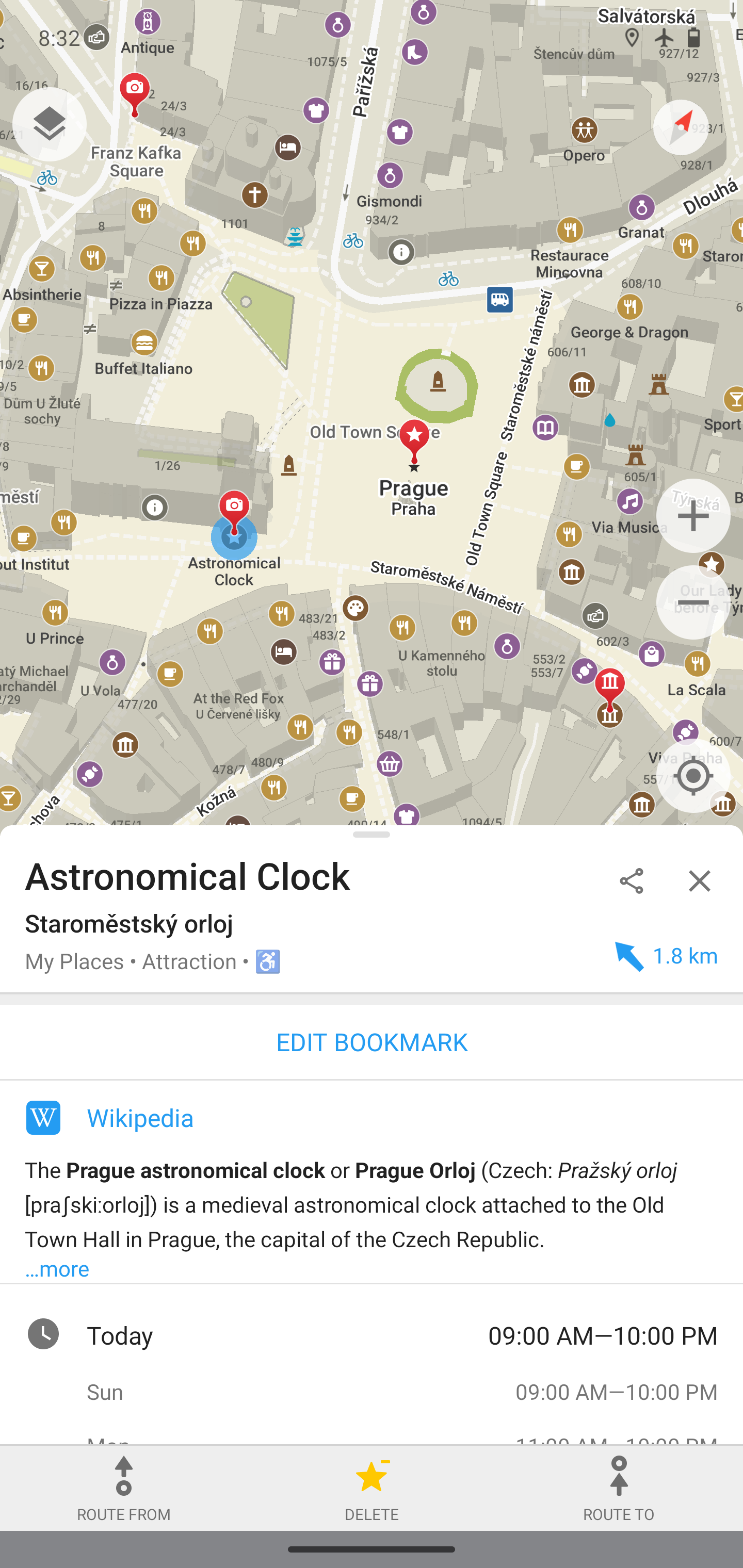
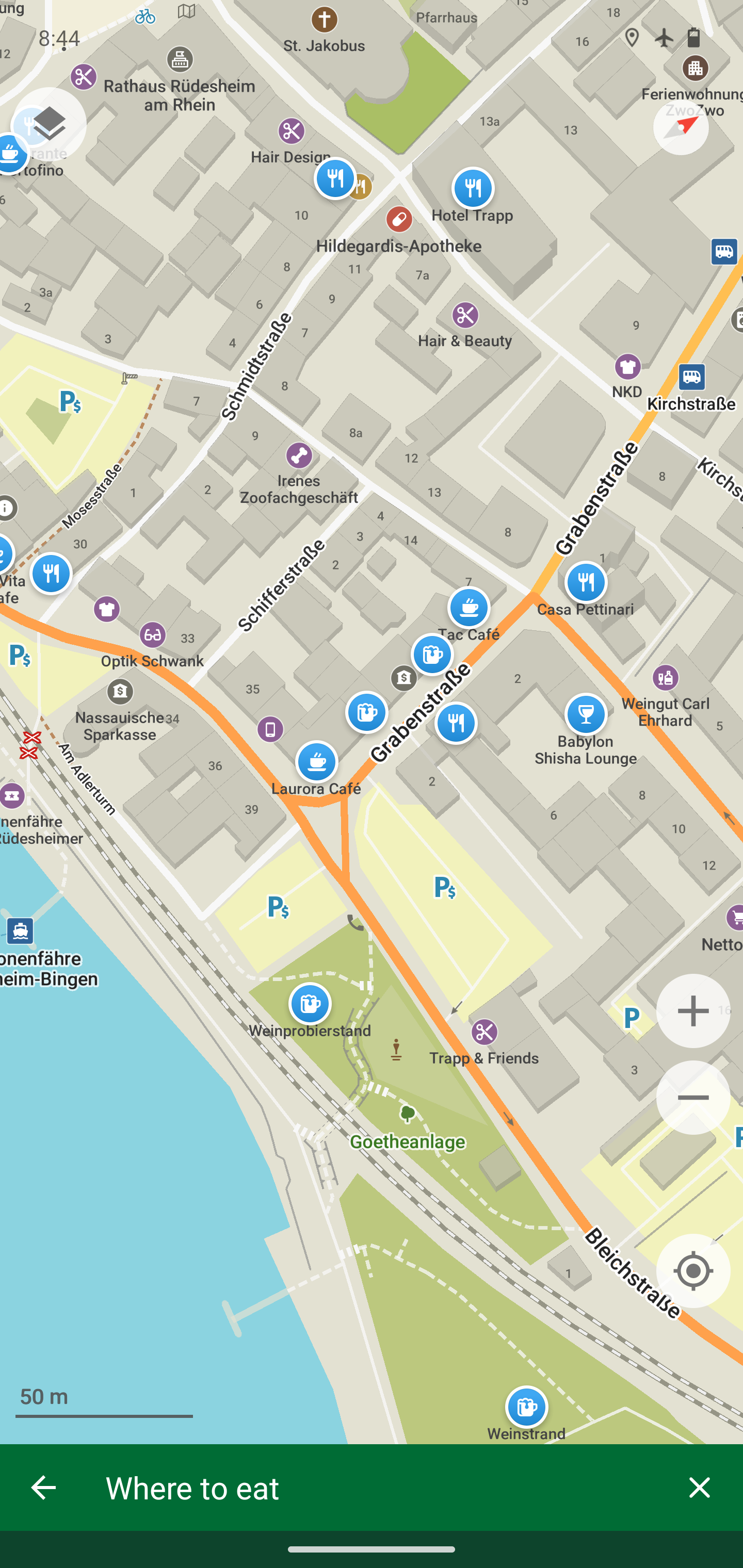
Organic Maps uses OpenStreetMap data. OSM is a community-driven project — in densely populated areas the coverage is excellent. Roads, cycle paths, footpaths, public transport, shops, restaurants, and points of interest are well maintained.
In less populated areas or some countries outside Europe, coverage may be thinner than Google Maps. For urban use in Western Europe, the difference is barely noticeable in practice.
Offline navigation
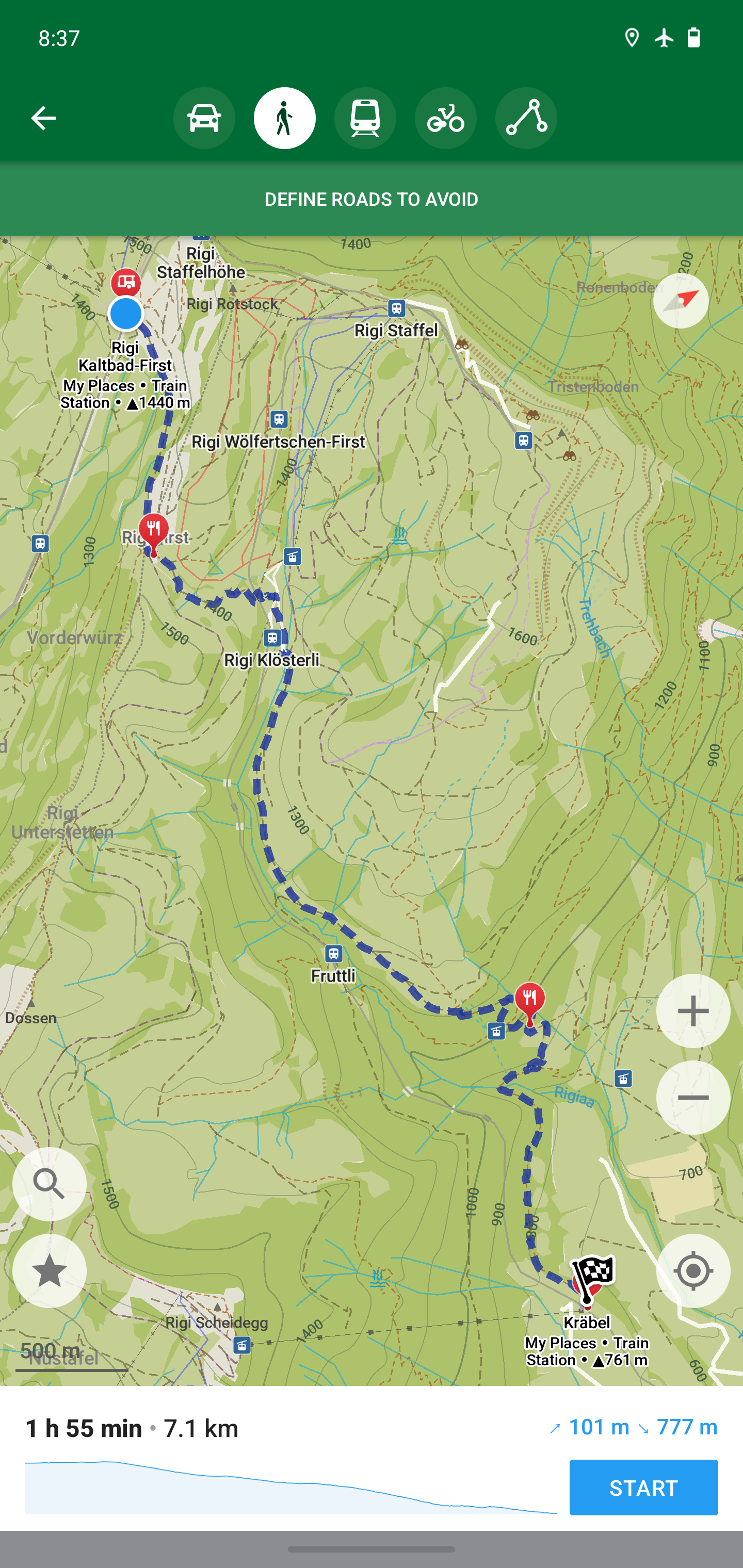
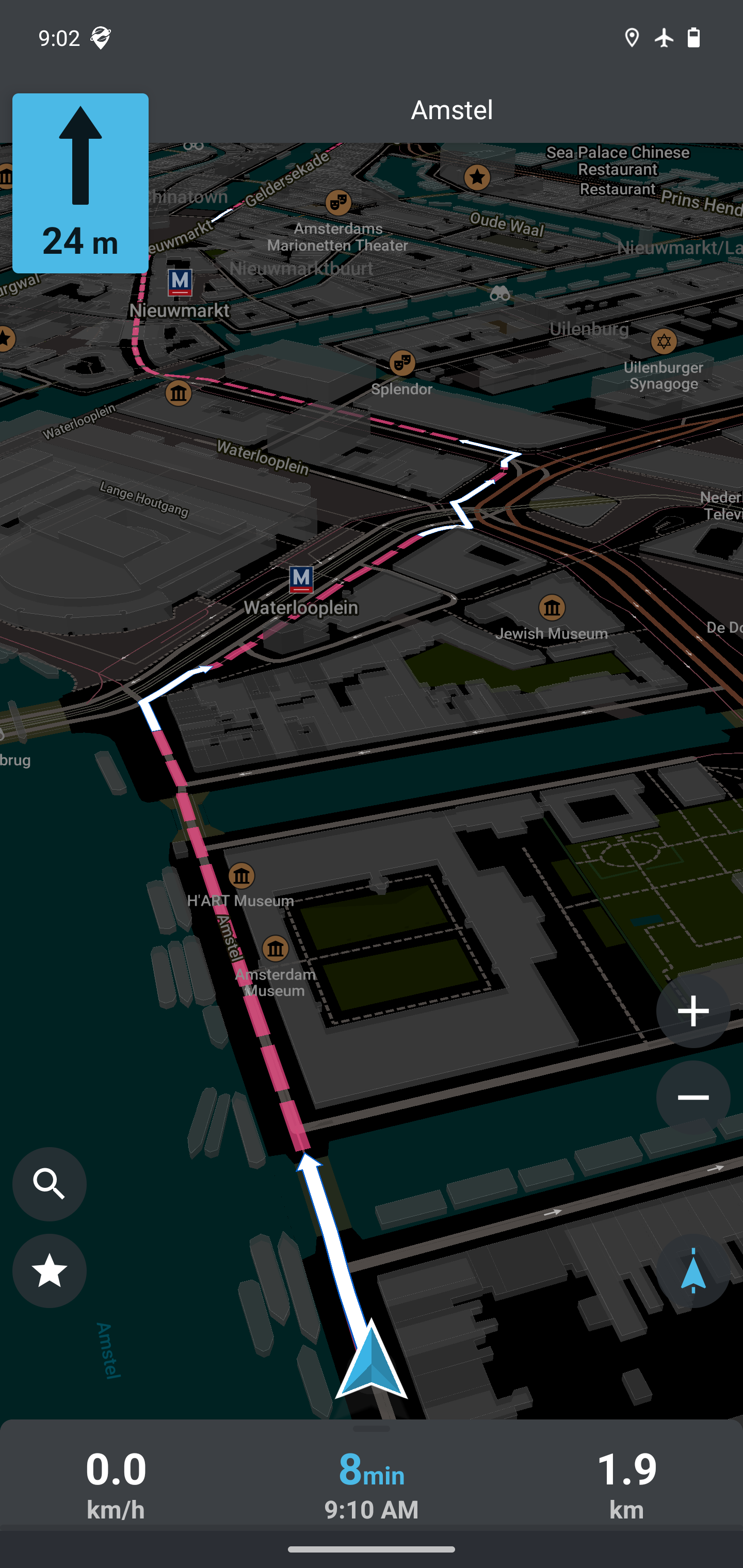
Download the map for a region or country once. Afterwards, navigation works completely without an internet connection — no roaming costs, no data usage, works in tunnels and areas without signal.
Map downloads are compact. Most countries fit in under a few hundred MB. You can download multiple countries for a trip.
Comparison with OsmAnd
Both apps use OpenStreetMap data. OsmAnd has more features — contour lines, nautical charts, advanced routing options — but is noticeably more complex to use. Organic Maps deliberately chooses simplicity.
Choose Organic Maps if: you want a fast, clear navigation app that just works. Choose OsmAnd if: you need advanced features (cycling routes with elevation profiles, offline OpenStreetMap editing, special map layers).
Installation
Android:
 — recommended, no Google dependencies
- Google Play Store — for devices with Google Play
- Accrescent — privacy-first app store
- Huawei AppGallery — for Huawei devices
iOS:
Desktop (Linux):
On GrapheneOS, the F-Droid version works excellently without sandboxed Google Play.
Screenshots
Caveats
No real-time traffic: Organic Maps has no live traffic information. For routes where congestion is relevant, Google Maps is still more accurate.
Public transit limited: Public transport routing is present but less comprehensive than Google Maps. For trains and buses, check your local transit apps alongside Organic Maps.
Maps require manual updates: Updates are not automatic — you manually download new versions of map regions when you want.
Conclusion
For daily navigation and travel, Organic Maps is a full replacement for Google Maps. Fully offline, no tracking, no account. The only thing you give up is real-time traffic.
If you’re using GrapheneOS or want to remove Google Maps: start with Organic Maps. For most navigation needs, it’s more than good enough.
See also:
- Recommended privacy apps for your phone — complete list of Google-free alternatives
- F-Droid: apps without Google — how to install Organic Maps via F-Droid
- GrapheneOS first setup — Organic Maps as part of the basic setup